How to Write a Product Changelog That Users Actually Read
Most changelogs are ignored. The ones that drive retention follow a simple format: lead with the user benefit, keep it short, and notify the right people automatically.

Founder of Peeqback
Why Is Your Changelog Being Ignored?
The average SaaS changelog reads like a Git commit log: "Fixed bug in API endpoint. Updated dependencies. Improved performance." These entries are technically accurate and completely useless to the people reading them.
A changelog exists to tell users what changed about their experience — not what changed in your codebase. When you write it from the user's perspective, it becomes a retention and trust tool. Here's how.
The data backs this up. According to a 2024 Pendo report on product-led growth, only 18% of SaaS users say they read product changelogs regularly. But among users who do read them, 72% say changelogs influence their perception of whether the product is "improving fast enough." The issue is not that users do not care about updates — it is that most changelogs are written in a way that makes them impossible to care about.
Look through public changelogs across SaaS products and the same three mistakes appear over and over: entries written in developer jargon, no clear benefit to the reader, and inconsistent publishing cadence that trains users to stop checking. Fix these three problems and your changelog becomes one of the most effective retention tools in your product.
What Format Works Best for Changelog Entries?
Every high-performing changelog entry follows the same structure:
- Headline: the benefit in 10 words or fewer ("Bulk export now supports CSV, JSON, and Excel")
- Body: 2–3 sentences — what changed, why it matters, how to use it
- Tag: New Feature / Improvement / Bug Fix / Performance
- Optional link: to docs, tutorial, or release notes for users who want depth
That's the whole format. Resist adding technical details, version numbers, or internal ticket references. Those belong in your internal release notes, not your public changelog.
The headline is the most important part. Most users will scan headlines only — research from the Nielsen Norman Group shows that 79% of web users scan rather than read. If your headline says "Authentication Refactor v2.3," scanners learn nothing. If it says "Login is now 3x faster," they instantly understand the value.
For the body, use the "what, why, how" structure. One sentence on what changed ("We rebuilt the export system from scratch"), one on why it matters ("You can now export 100,000 rows in under 5 seconds"), and one on how to access it ("Click Export in the top-right corner of any board"). If an entry needs more than three sentences, consider whether it should be a blog post instead.
How Do You Rewrite Technical Entries to Be User-Focused?
Before: "Refactored the authentication module to use JWT tokens instead of session cookies."
After: "Staying logged in now works reliably across tabs and after browser restarts — no more unexpected sign-outs."
Before: "Added bulk actions support to the dashboard table component."
After: "You can now select multiple feedback items and change their status in one click — no more updating one by one."
Notice the pattern: the after-version names the user's old problem and shows how it's solved. Write every entry like this.
Here are three more before-and-after examples, based on common patterns in public changelogs:
Before: "Migrated email service from SendGrid to Resend."
After: "Email notifications now arrive within seconds instead of minutes. Delivery reliability improved to 99.8%."
Before: "Implemented rate limiting on public API endpoints."
After: "API responses are now faster and more consistent during peak hours. If you use our API, check the updated rate limits in our docs."
Before: "Database indexes optimized for roadmap queries."
After: "Your public roadmap page now loads 60% faster, especially for boards with 200+ items."
The rewriting exercise takes practice. A helpful test: read your draft entry to someone outside your engineering team. If they cannot explain what changed in one sentence, rewrite it. The "mom test" applies to changelogs too — if a non-technical person cannot understand the benefit, your users will not either.
How Often Should You Publish Changelog Entries?
The best changelog cadence is one that you can actually sustain. For most teams, that's weekly or bi-weekly. Don't wait to accumulate 20 changes for one big release — ship small entries consistently.
Users who see regular changelog activity get a strong signal that the product is alive and improving. This is especially powerful for retention during periods when you're building foundational work that isn't visible in the UI yet.
Here is a cadence that works well for teams of 3–15 engineers:
- Weekly: Publish 1–3 small entries (bug fixes, minor improvements) every Friday. These entries take 5 minutes each to write.
- Bi-weekly: Publish one larger entry for significant new features or improvements that deserve a headline.
- Monthly: Write a "month in review" summary that links to all individual entries. This is useful for users who only check the changelog occasionally.
The worst thing you can do is publish 15 entries on one day and then go silent for six weeks. Irregular bursts train users to ignore your changelog entirely. If you ship a large release with many changes, stagger the changelog entries across the following week — one per day — to create the impression of continuous improvement.
A practical tip: add "write changelog entry" to your team's definition of done for every feature or bug fix. If a pull request is merged, the changelog entry should be drafted before the PR is marked complete. This prevents the common failure mode where engineers ship features faster than the product manager can write about them, leading to a backlog of undocumented changes that eventually gets published in a giant, unreadable batch.
How Do You Write a Changelog for Different Audiences?
Not all users care about the same updates. A developer integrating your API cares about breaking changes and new endpoints. A marketing manager using your dashboard cares about new reporting features. Writing a single changelog that serves both audiences well requires deliberate structure.
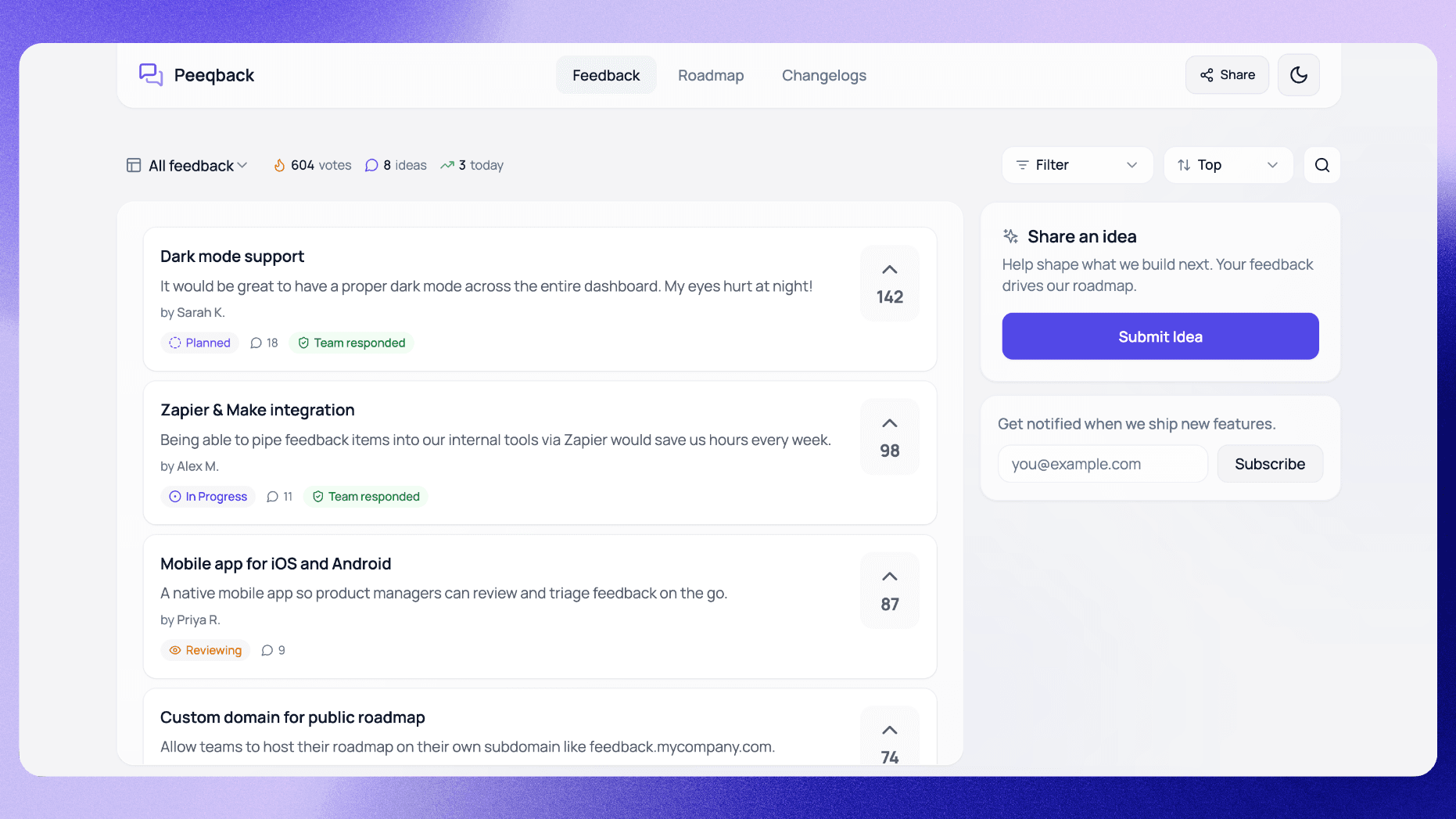
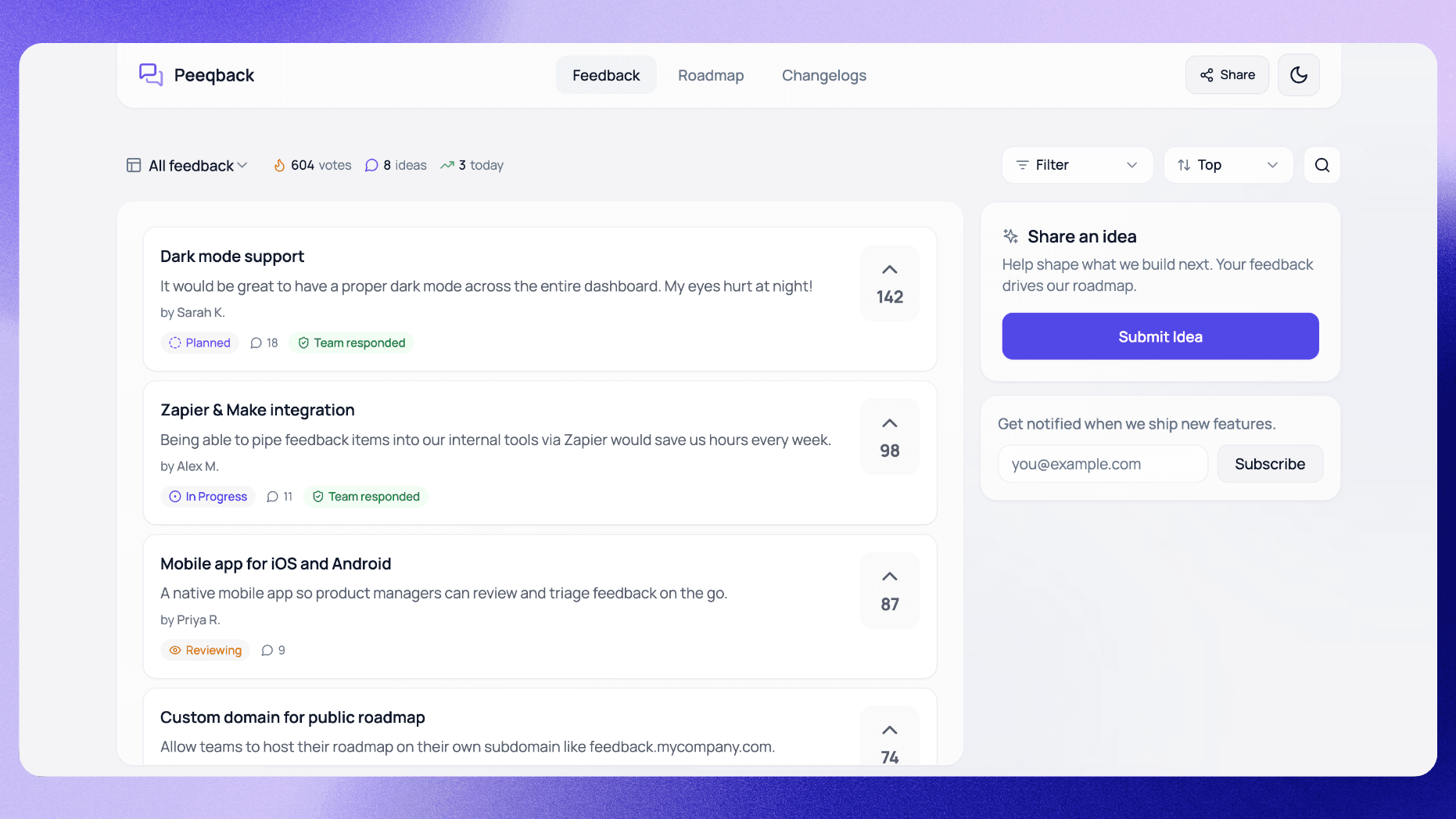
The simplest approach is tagging. Use consistent tags — New Feature, Improvement, Bug Fix, Performance, API, Breaking Change — and let users filter. In Peeqback, tags are built into the changelog system, and visitors to your public roadmap can filter entries to features or bug fixes and search by tag.
For teams with distinct user personas, consider maintaining two views of the same changelog:
- User-facing changelog: Written in plain language, focused on benefits, published on your public roadmap page. This is what most of your users see.
- Developer changelog: Includes API changes, deprecation notices, migration guides, and technical details. Link to this from your API docs and developer portal.
You do not need to write these from scratch separately. Start with the user-facing version (which is the harder one to write well), then add a technical addendum for the developer version. The user-facing entry for "Faster API responses" becomes the developer entry "Faster API responses — P95 latency reduced from 450ms to 120ms. No breaking changes. See updated rate limits in docs."
Another audience worth considering: internal stakeholders. Your sales team, support team, and customer success managers need to know about product changes too — often before they go public. Send a draft of each week's changelog to internal Slack on Thursday so customer-facing teams are prepared for questions when the public changelog goes live on Friday.
How Do You Notify the Right People?
The highest-value notification you can send is one targeted to users who specifically asked for a feature. When you mark a request as Completed in Peeqback, it shows how many people asked for it and emails them in one click — the original submitter and every voter who left an email. Publishing the corresponding changelog entry is a separate step that emails your board's subscribers.
Together, they turn a release into a personalized communication — the user who asked for dark mode gets notified when dark mode ships, not just a broadcast blast to all 3,000 users on your mailing list. Targeted notifications tend to earn higher open rates than broadcast emails, and Campaign Monitor's email benchmarks recommend segmentation and personalization to lift them.
Beyond targeted notifications, set up three distribution channels for your changelog:
- In-app notification: A badge or toast message when the user next logs in after a changelog entry is published. This catches active users immediately.
- Email digest: A weekly or bi-weekly email summarizing recent changelog entries for users who opted in. Keep it short — headline and one sentence per entry, with links to the full changelog.
- Public roadmap page: Your changelog tab on the public roadmap serves as a permanent archive. Users who discover your product through SEO or word-of-mouth can browse your entire history of improvements.
The combination of targeted + broadcast + in-app ensures every user segment sees your updates through their preferred channel. The targeted notification is the highest-ROI channel, but the others catch users who did not specifically request a feature but would still benefit from knowing about it.
What Metrics Show Whether Your Changelog Is Working?
A changelog is not a "set it and forget it" effort. You should measure its effectiveness and iterate just like any other product feature. Here are the metrics that matter:
- Changelog page views per entry: How many unique visitors does each entry attract? Track this in your analytics tool. A healthy benchmark is 5–15% of your monthly active users viewing the changelog at least once per month.
- Email notification open rate: For targeted notifications (sent to users who requested a feature), aim for 40–60% open rates. For broadcast digests, 20–30% is healthy. If your open rates are below these thresholds, your subject lines need work.
- Feature adoption rate post-announcement: When you announce a new feature in the changelog, what percentage of users try it within 7 days? This is the ultimate measure of whether your changelog is driving behavior, not just awareness.
- Support ticket deflection: Track whether "how do I do X?" support tickets decrease after you publish a changelog entry about X. If they do not, your entry did not explain the feature clearly enough.
The most underrated metric is return visitor rate on your changelog page. If users are coming back to check your changelog unprompted — not because they received a notification, but because they have bookmarked the page — you have built a genuine communication channel, not just a notification system.
A practical way to start measuring: add UTM parameters to the links in your changelog notification emails. This lets you track not just opens, but click-throughs and downstream feature adoption. Comparing those email-driven visits against total changelog views gives you a baseline for organic changelog readership.
Review these metrics monthly and experiment. If open rates are low, test different subject line formats. If page views are high but adoption is low, your entries may be interesting but unclear on how to actually use the new feature. If return visits are growing, keep doing what you are doing — your changelog is becoming a trusted source of product information.

Written by
Jay KhatriJay is the founder of Peeqback. He builds tools that help product teams collect feedback, prioritize features, and ship changelogs users actually read.