How to Collect User Feedback Without Annoying Your Users
The best product teams collect feedback continuously, not through quarterly surveys. Here's how to build a low-friction feedback loop that actually works.

Founder of Peeqback
Why Do Most Feedback Programs Fail?
Most product teams collect user feedback the wrong way. They send a quarterly NPS survey, review the results once, then forget about it until next quarter. The result: stale data, no actionable signal, and users who feel unheard.
The teams that build products users love do the opposite. They collect feedback continuously, passively, and at the exact moment friction occurs — not three months later when the user has already churned.
According to a 2024 Qualtrics study, companies that act on customer feedback within 48 hours see a 5.7x higher customer retention rate than those that respond quarterly. The problem is not collecting feedback — it is collecting it at the right moment and in a format your team can act on immediately.
What Is the Best Way to Collect In-App Feedback?
The highest-leverage change you can make is replacing email surveys with an embedded feedback widget. A widget lives inside your product, where users are already experiencing the thing you want feedback on.
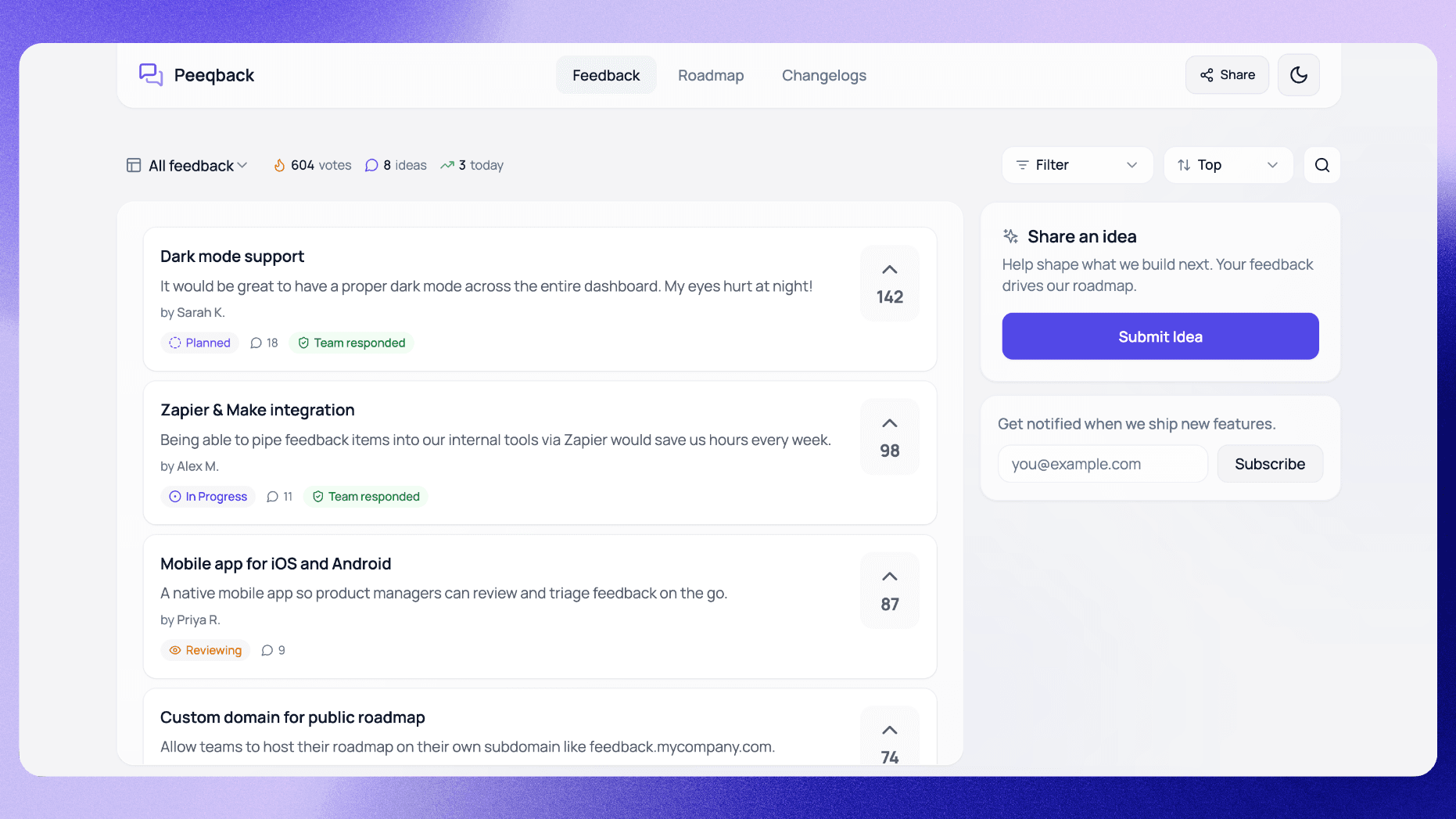
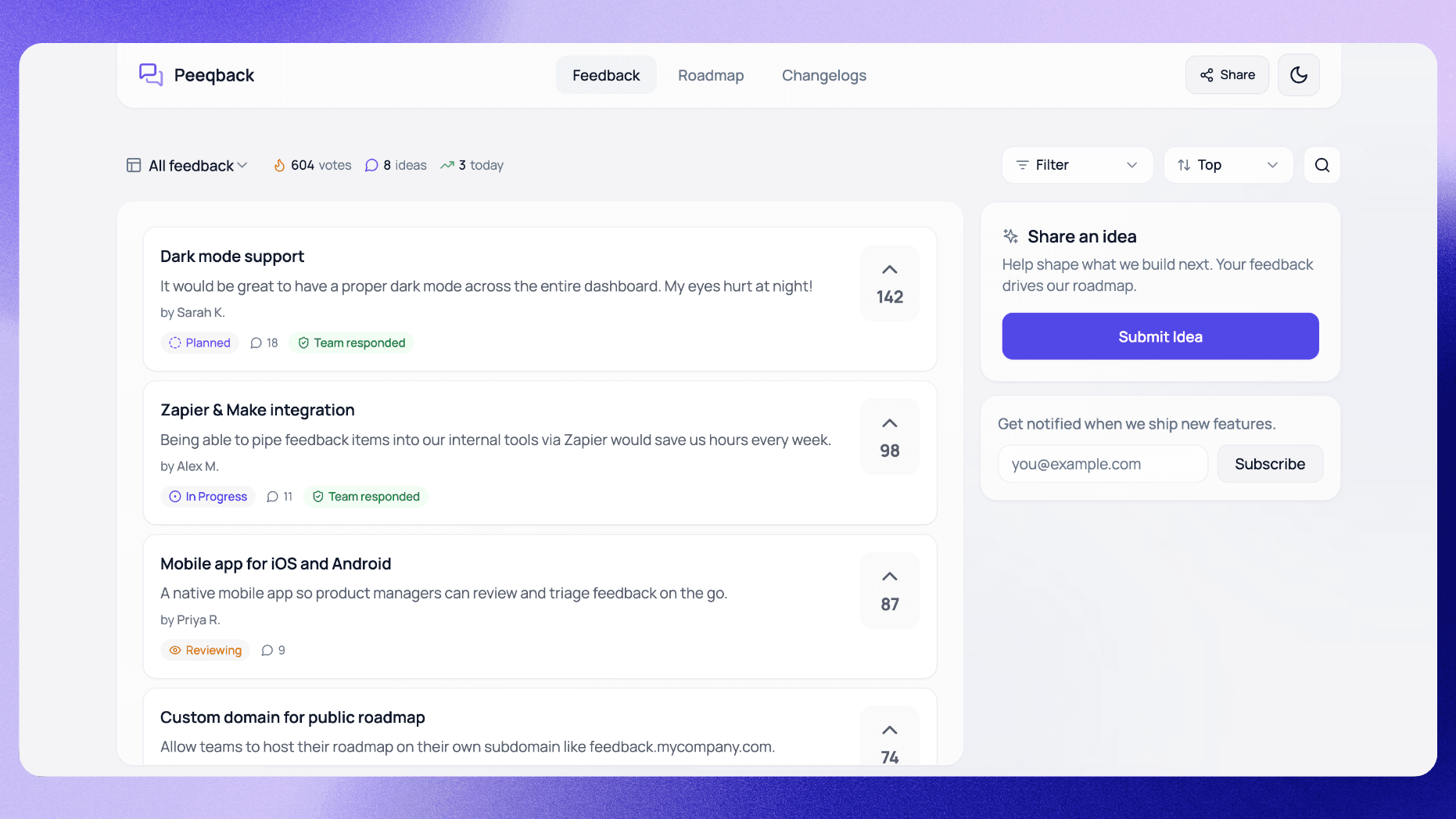
With Peeqback, you paste one JavaScript snippet, add your site's domain to the allowed list in settings, and a floating button appears. Users can submit ideas, upvote existing requests, or report bugs — without leaving the page or opening a new tab.
- Zero context-switching for the user
- Feedback arrives in real time, not in batch
- Submissions are tied to the specific page or feature context
The timing advantage matters more than most teams realize. A user who encounters a confusing settings page at 3 PM and submits feedback via an embedded widget gives you rich, specific signal: they tell you what was confusing and where they got stuck. The same user receiving a survey two weeks later gives you a vague "settings could be better" — if they respond at all.
This is why in-app widgets consistently outperform email-based feedback collection. The user is still in the context of their frustration, and the barrier to submission is a single click rather than opening a new tab, navigating to a form, and remembering what went wrong. For a deeper dive into when to use a widget versus a survey, see our comparison of embedded widgets vs. surveys for SaaS.
How Should You Organize Feedback to Reduce Noise?
A single "feedback inbox" becomes unmanageable fast. Create separate boards for feature requests, bug reports, and general ideas. Users self-select the right channel, which means you spend less time triaging and more time deciding.
Each board in Peeqback has its own vote count, status column (Pending → Reviewing → Planned → In Progress → Completed), and subscriber list. You can manage five products with completely separate boards under one account.
The most common mistake teams make is creating too many categories too early. Start with three boards — Feature Requests, Bug Reports, and General — and only split further once a category grows beyond 50 active items. Premature categorization confuses users and spreads submissions thin across channels nobody checks.
A good rule of thumb: if users consistently submit feature requests to the bug board, your categories are unclear. Rename them, simplify the descriptions, or merge boards until the taxonomy matches how your users actually think.
Why Is Voting More Effective Than Surveys?
Surveys tell you what the loudest users think. Voting tells you what the most users want. When a feature request has 47 upvotes and a thread of comments explaining why, you have a data-backed case for prioritization — no survey needed.
Steer users to vote on existing requests rather than submitting duplicates. This keeps similar requests from splitting the count and surfaces genuine demand. A feature request with 2 votes and a feature request with 200 votes are fundamentally different signals.
There is a nuance here that many teams miss: vote counts are a measure of breadth (how many people want this), not depth (how badly they want it). A request with 15 votes where every voter is a paying enterprise customer is worth more than a request with 200 votes from free-tier users who may never convert. The best product teams combine vote data with customer segmentation to get both signals. If your voting board isn't delivering these insights, you might be running it wrong.
How Do You Close the Feedback Loop?
The fastest way to get more high-quality feedback is to show users that you act on the feedback you already have. When you mark a request as Completed, Peeqback shows how many people asked for it and emails them in one click — the original submitter and every voter who left an email.
This single action does three things at once: it rewards users who participated, reinforces that your feedback program is worth engaging with, and generates goodwill that translates into retention. Teams that close the loop consistently tend to see more engagement on their feedback boards over time (Intercom's customer feedback guide covers following up with customers in more depth).
The mechanism matters: a generic "we shipped something new" email is not closing the loop. Closing the loop means the specific user who asked for dark mode receives a notification saying "Dark mode is now live — thanks for requesting it." This personalized acknowledgment is what drives the flywheel. Your public roadmap and product changelog are the two main surfaces where this loop becomes visible to users.
What Are the Most Common Feedback Collection Mistakes?
- Don't gate feedback behind a login. Optional auth or anonymous submissions dramatically increase volume. You can always ask for email on follow-up. According to Baymard Institute research, every additional form field reduces completion rates by approximately 7%.
- Don't ignore low-vote items forever. A request with 3 votes from enterprise customers may be worth more than 50 votes from free-tier users. Weigh votes by customer value, not just raw count.
- Don't promise timelines. Mark items as "Planned" only when you've genuinely committed. False promises destroy trust faster than silence.
- Don't collect feedback you never intend to act on. If a category of requests (e.g., mobile app) is not on your roadmap for the next year, say so upfront. Collecting votes for something you will not build wastes user goodwill.
How Do You Measure Whether Your Feedback Program Is Working?
Track three metrics to gauge the health of your feedback program:
- Submission rate: what percentage of active users submit at least one piece of feedback per month? Healthy programs see 3-8% of monthly active users contributing.
- Close rate: what percentage of submitted requests reach a terminal status (Shipped, Declined, or Merged) within 90 days? Aim for above 60%.
- Return rate: what percentage of users who submitted feedback come back to submit again? A high return rate means users trust the process.
If your submission rate is low, the widget is not visible enough or users do not believe their feedback will be heard. If your close rate is low, your team is collecting feedback it cannot process — scale back the channels or add triage time. If your return rate is low, you are not closing the loop.

Written by
Jay KhatriJay is the founder of Peeqback. He builds tools that help product teams collect feedback, prioritize features, and ship changelogs users actually read.