How to Build a Public Product Roadmap That Users Actually Trust
A public roadmap builds trust, reduces support tickets, and aligns your team — but only if you do it right. Here's the exact process to launch one in a day.

Founder of Peeqback
Why Do Most Public Roadmaps Fail?
The most common public roadmap mistake is treating it like a marketing asset rather than a communication tool. Teams build a beautiful Notion page, fill it with aspirational features and vague quarters, then let it go stale. Users notice. Three months of no updates is worse than no roadmap at all.
A roadmap earns trust through consistency and honesty — not through polish. Here's how to build one that actually does the job.
The second most common mistake is including timelines. The moment you attach a date to a planned feature, you create an implicit promise. When that date slips — and it will — every user who screenshotted your roadmap loses a degree of trust. The solution is simple: use status columns, not dates.
What Status Columns Should a Public Roadmap Have?
Keep your public roadmap to three statuses: Planned, In Progress, and Shipped. That's it. Resist the urge to add "Under Review," "Backlog," or "Considering" — each ambiguous status erodes confidence.
- Planned — you've decided to build this, no timeline yet
- In Progress — actively being designed or developed right now
- Shipped — live and available to users
The key rule: never move something to Planned unless you've genuinely committed to it at the team level. "Planned" should mean the same thing internally as it does to your users.
Some teams add a fourth column — "Under Consideration" — for items they are actively evaluating but have not committed to. This can work if you strictly enforce that items spend no more than 30 days in this column before moving to Planned or being removed. If items sit in "Under Consideration" for months, users learn to ignore the column entirely.
How Do You Populate a Roadmap From User Feedback?
The fastest way to fill your roadmap with things users actually care about is to promote items directly from your feedback board. Sort by votes, pick the top 10-15 requests you've committed to, and move them to Planned.
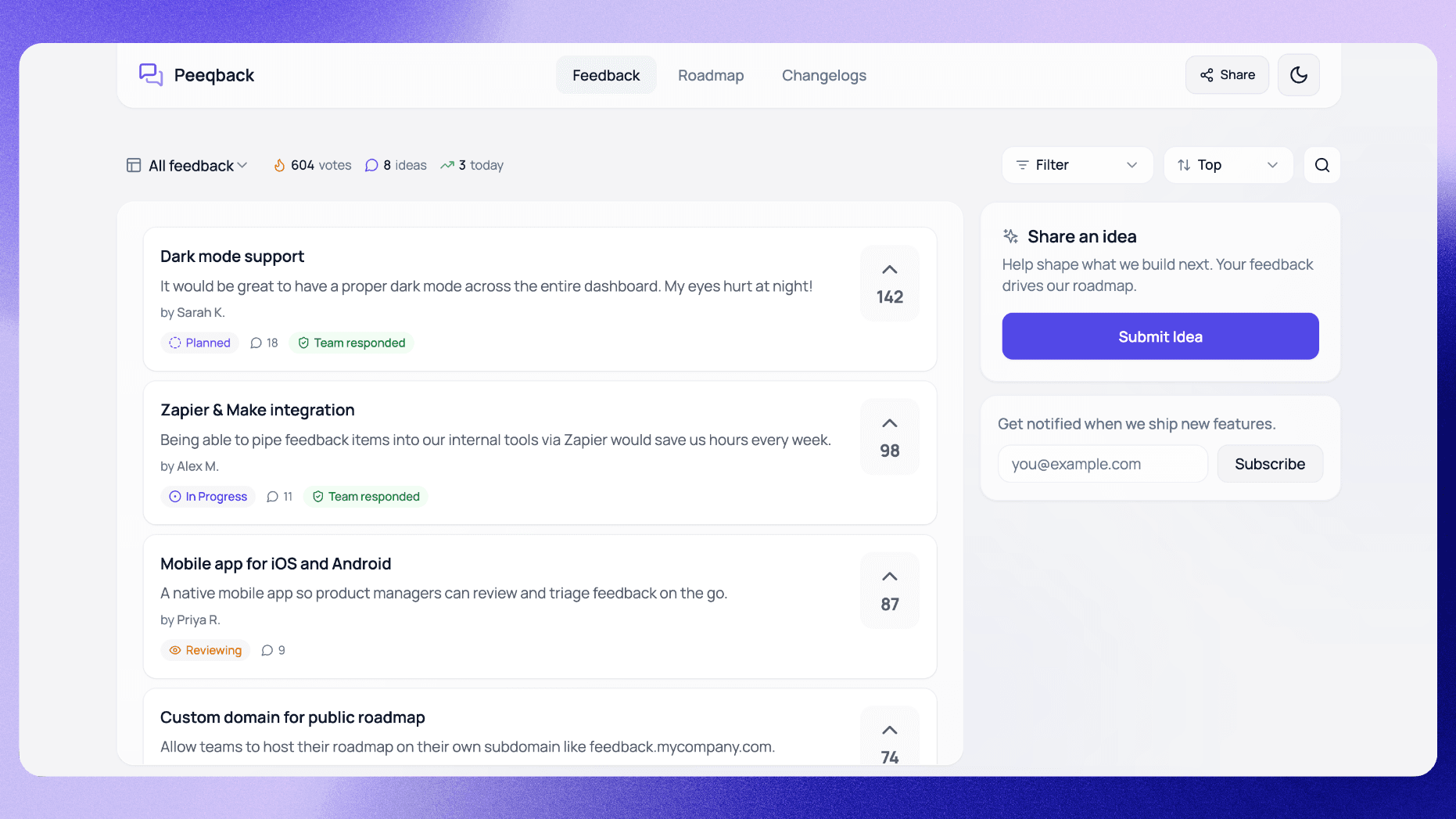
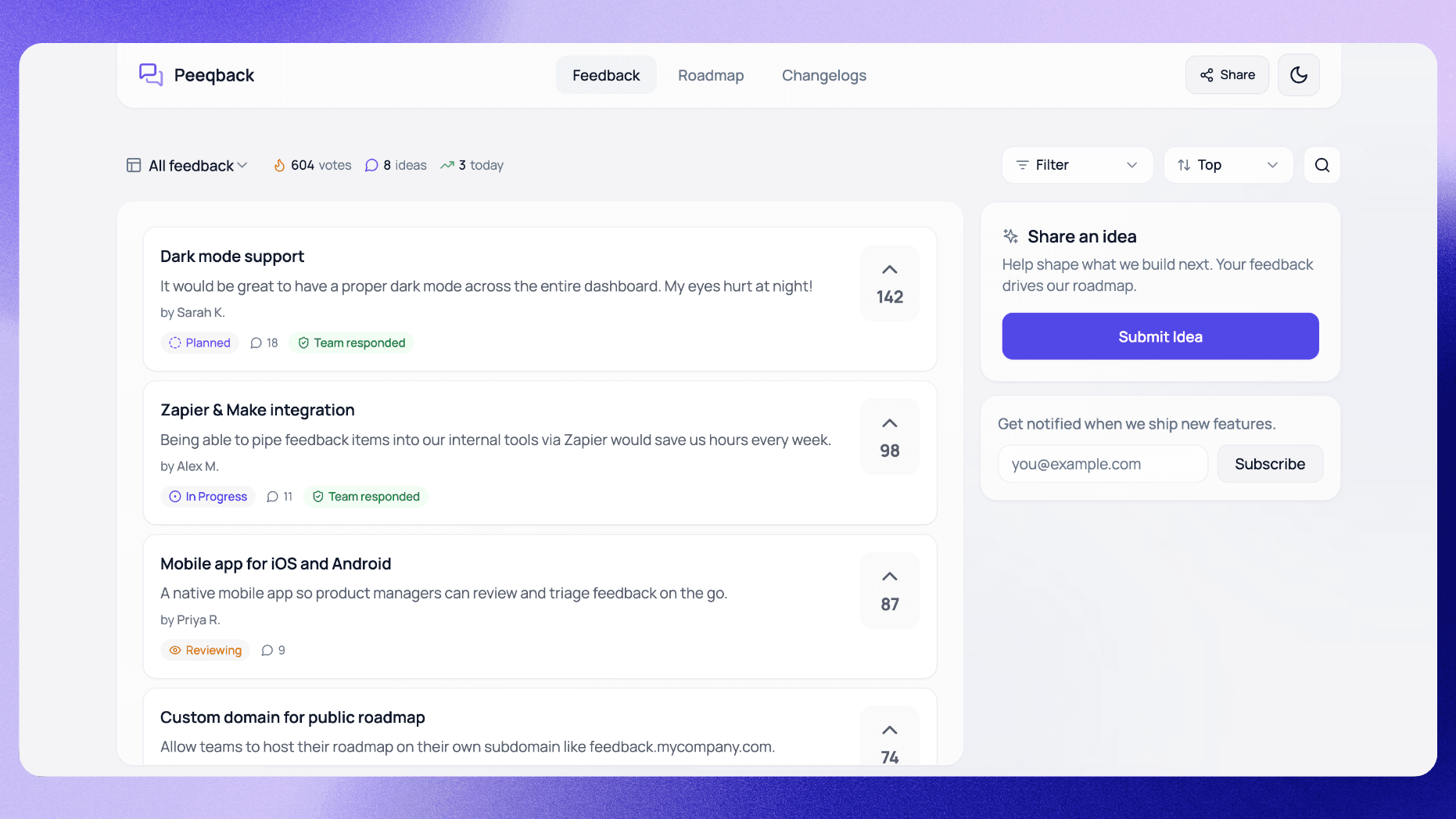
In Peeqback, this is a single status change, and the request appears in the Planned column of your public roadmap. Voters aren't emailed at this stage; that happens when the feature ships (more on that below).
A useful exercise when launching your roadmap for the first time: go through your last 6 months of support tickets and identify the 5 most commonly requested features. These are almost certainly what your users expect to see on a public roadmap. If you have already built some of them, put them in the Shipped column — this immediately demonstrates that the roadmap is active and real.
Where Should You Link Your Public Roadmap?
A roadmap no one sees solves nothing. Link to it from:
- Your in-app navigation (sidebar or top nav)
- Your product footer
- Your support docs ("Can Peeqback do X? Check our roadmap.")
- Onboarding emails
- Your reply templates for support tickets requesting features
Every link is a support ticket that never gets opened. When users can check a request's status themselves, fewer of them write in to ask "when will you build X?" — see Canny's guide to public roadmaps for the broader case for publishing one.
The support-ticket redirect is particularly powerful. When a support agent replies "Great idea — I've added it to our roadmap and you can track progress here: [link]", you convert a frustrated user into an engaged stakeholder. For more on running an effective voting board, see our guide to fixing your feature voting board. They bookmark the link, check back, and often upvote other items while they are there.
How Often Should You Update Your Roadmap?
Set a recurring calendar block every two weeks: open your roadmap, review statuses, and update anything that has moved. This takes 10 minutes. Skipping it for a month tanks the credibility of the whole program.
With Peeqback, when you mark a feature as Completed, it shows how many people asked for it and emails them in one click — the original submitter plus every voter who left an email. The changelog entry is a separate step: publishing it emails everyone subscribed to your board.
A practical tip: pair your roadmap review with your sprint retrospective or planning session. Since you are already discussing what was built and what is next, updating the public roadmap becomes a 5-minute add-on rather than a separate task that is easy to forget.
What Should You NOT Put on a Public Roadmap?
Not everything belongs on a public roadmap. Avoid including:
- Internal infrastructure work — "Migrate database to PostgreSQL" is meaningless to users. If it has a user-facing benefit, describe that instead: "Faster load times across the dashboard."
- Speculative ideas — if the idea has not passed initial evaluation, it does not belong on the roadmap. Put it on your internal backlog and prioritize it using a structured framework.
- Competitive features you are not sure about — adding "AI-powered analytics" because a competitor launched it, when you have not even scoped it, sets a false expectation.
- Anything with a hard date — if you must communicate timing, use "this quarter" at most. Specific dates create pressure that leads to rushed launches.
The litmus test: if a user reads this roadmap item, will they understand what it means for their experience? If the answer is no, rewrite it or leave it off.

Written by
Jay KhatriJay is the founder of Peeqback. He builds tools that help product teams collect feedback, prioritize features, and ship changelogs users actually read.