Why Your Feature Voting Board Isn't Working (And How to Fix It)
Feature voting boards fail for predictable reasons: duplicate requests, stale items, and zero follow-through. Here's how to run one that users trust and your team actually uses.

Founder of Peeqback
What Are the Four Most Common Voting Board Failure Modes?
If your feature voting board isn't delivering value, the problem almost always falls into one of four categories:
- Duplicate requests splitting votes across 5 variations of the same idea
- Stale statuses — items sitting in "Under Review" for 18 months
- No follow-through — users get no notification when something ships
- Low discoverability — users don't know the board exists
Each of these is fixable. Let's go through them one at a time.
Before we dive in, a useful frame: a voting board is not a passive suggestion box. It is a two-way communication channel between your product team and your users. When it fails, it almost always fails because the team treats it as one-way — they collect input but never send output back. The fixes below all share a common thread: they turn your board into a conversation rather than a collection bin.
According to a 2023 UserVoice report, 67% of feature voting boards show no status updates on their top 20 requests within the first 6 months. That means two-thirds of boards are training users to believe that voting is pointless. The boards that succeed are the ones that treat maintenance as a core product management responsibility, not an afterthought.
How Do You Merge Duplicates Effectively?
Duplicate requests are the single biggest problem on most voting boards. "Dark mode", "Dark theme", "Night mode", and "Reduce eye strain in dark environments" are four entries that should be one. Each split dilutes the true vote count and makes the item look less popular than it is.
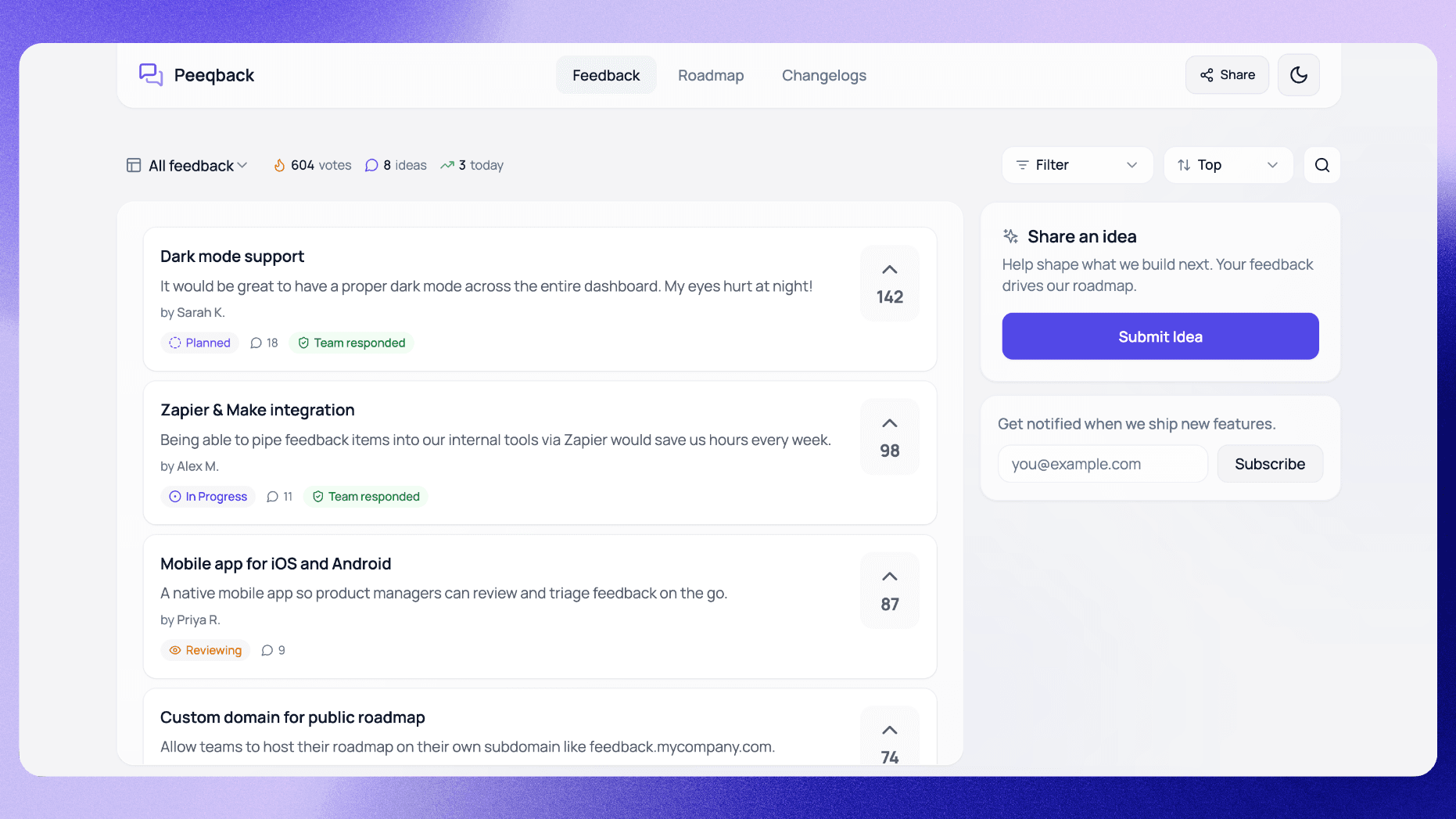
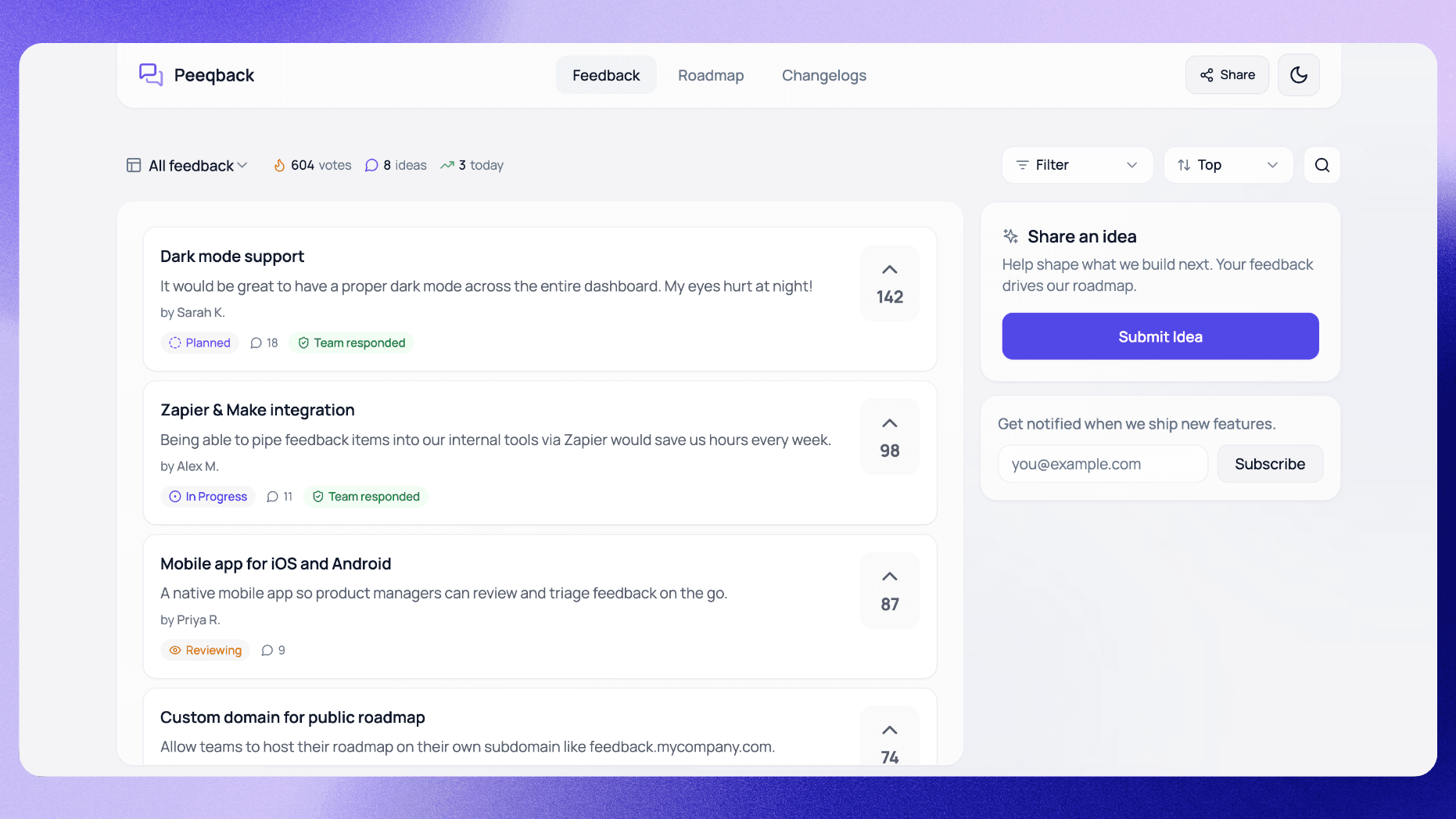
Set a weekly 15-minute maintenance block to scan new submissions and merge duplicates. In Peeqback, the merge action moves the duplicate's votes onto the canonical request and removes the duplicate, so the vote count reflects total demand.
The mechanics of good merging go beyond just combining votes. When you merge, choose the most clearly written request as the canonical version — not necessarily the one submitted first. If "Dark mode for the dashboard" is clearer than "reduce eye strain in dark environments," make the clearer one the primary. Then update the description of the canonical request to incorporate any useful detail from the merged duplicates. A voter who submitted "dark mode for code editor specifically" added context that might be lost if you just merge without editing.
For boards with a long history and hundreds of items, do a one-time deep clean before starting your weekly routine. Block 2 hours, sort all requests alphabetically, and work through them systematically. On a board with years of unmerged duplicates, this initial cleanup can noticeably raise the vote count on top items, because so many votes were fragmented across duplicates. After the deep clean, the weekly 15-minute check is easy to maintain.
A pro tip: after merging, leave a brief comment on the canonical request noting which items were merged. This helps users who search for their original submission understand where their request went, and it prevents your team from accidentally re-creating a request that was already merged.
Why Should You Enforce a Status Review Cadence?
A request that sits in "Under Review" for 12 months is not under review. It's abandoned. Users know this and it poisons trust in the entire program.
Adopt a clear policy: every item moves to a final status (Planned, Declined, or Shipped) within 90 days of submission, or it moves back to Open with an honest comment explaining why it's not ready to commit to. Declined is better than perpetual "Under Review."
If declining, leave a brief comment explaining the reasoning. "Not on the roadmap this year because it conflicts with our mobile-first direction" is infinitely more respectful than silence.
Here is a concrete cadence that works for most teams:
- Weekly (15 min): Review all new submissions from the past 7 days. Merge duplicates, add internal comments with initial thoughts, and move any obvious quick wins to Planned.
- Monthly (30 min): Review all items in "Under Review" status. Any item that has been Under Review for more than 60 days must either move to Planned or receive a comment explaining the delay.
- Quarterly (1 hour): Full board audit. Archive or decline any item that has been open for 6+ months with no path to implementation. Update the description of top-voted items with current thinking.
The quarterly audit is where most teams skip, and it is the most important. A board cluttered with 200 stale items feels overwhelming to both users and your team. Aggressively archiving items that are not going to happen keeps the board focused and trustworthy. If an archived item turns out to be important later, users will re-submit it — and this time you will have fresh vote data.
Why Is Closing the Loop the Highest-ROI Action?
The highest-ROI action in your entire feedback program is sending a notification when a requested feature ships. It proves to users that voting works, which drives more voting, which gives you better signal for prioritization. This is the flywheel.
In Peeqback, closing the loop is one click. When you change a request's status to Completed, Peeqback shows how many people asked for it and emails them when you confirm — the original submitter and every voter who left an email. You don't need to draft or send anything separately. Publishing the changelog entry is its own step, and it reaches your board's subscribers.
The impact of closing the loop compounds. Teams who consistently notify users when requests ship tend to get more new submissions than teams that ship features silently. The reason is simple: users who see their feedback acted on are motivated to submit more. Users who never hear back assume the board is a black hole and stop participating.
Closing the loop also has a secondary benefit: it turns your most engaged users into advocates. A user who receives a "Your requested feature is now live" email is likely to share that positive experience with colleagues. In B2B SaaS, this word-of-mouth effect is especially powerful because the user who requested the feature often champions your product within their organization.
One detail that matters: the notification should include a direct link to the feature or the changelog entry, not just a status change alert. "Dark mode is now live — try it here" with a link to your settings page is dramatically more effective than "The status of Dark mode has been updated to Shipped." The first drives adoption; the second is a database event disguised as communication.
How Do You Make the Board Discoverable?
Your board can't collect feedback if users don't know it exists. The three highest-impact places to link it:
- Inside your product — embedded widget or nav link
- In your email footer and onboarding sequence
- In support replies when users request a feature via ticket
That last one is particularly powerful. When a support agent replies "We don't have this yet — I've added it to our feedback board and you can vote here: [link]," you turn a frustrated user into an engaged participant.
Beyond these three, consider embedding the voting board directly into the user onboarding flow. After a new user completes their initial setup, show them the top 5 most-voted requests and ask "Is there anything you wish this product could do?" This primes users to think of the board as an active part of the product experience rather than an afterthought they might stumble upon later.
Another underused tactic: link to specific high-vote requests in your marketing content. If you have a blog post about reporting features and your board has a highly voted request for "custom dashboard widgets," link to that request from the blog post. This drives traffic from people who are already interested in the topic and likely to vote.
How Do You Handle Feature Requests You Will Never Build?
Every board accumulates requests that do not fit the product's direction. Maybe the request conflicts with your architecture, targets a market segment you are not pursuing, or would require more resources than the feature is worth. The question is not whether to decline these requests — it is how to do it without alienating the users who submitted them.
The worst approach is silence. A request that sits on your board for a year with no response tells users you do not care. The second worst approach is deleting it — users who come back to check on their request and find it gone feel dismissed.
The right approach has three steps:
- Change the status to Declined (or "Not Planned"). Be explicit. A clear status is better than an ambiguous one.
- Leave a comment explaining why. "We've decided not to build this because it conflicts with our focus on simplicity for small teams. We understand this is important to some users and recommend [alternative] as a workaround." Honesty and a suggested alternative go a long way.
- Keep the request visible. Do not delete or archive declined requests immediately. Let them remain visible with the Declined status for at least 90 days so users can see the decision and the reasoning. After 90 days, archive them to keep the active board clean.
The key insight is that users respect honest "no" answers far more than they respect silence. A Harvard Business Review study on organizational communication found that people rate transparent negative decisions higher than ambiguous non-responses, even when the outcome is the same. Declining a request with a clear explanation preserves trust in your feedback program; ignoring it erodes trust.
A practical rule: set a maximum age for undecided requests. If a request has been open for 6 months and has fewer than 10 votes, it is a candidate for decline. If it has more than 10 votes, it deserves a team discussion before declining. This prevents your board from becoming a graveyard of forgotten ideas.
What Does a Healthy Voting Board Look Like?
A handful of characteristics tend to separate healthy boards from stagnant ones. Use this checklist of rules of thumb to evaluate your own board:
- Active item count: A healthy board has 30–100 active (non-archived) items. Fewer than 30 means your board is not discoverable enough. More than 200 means you are not merging, declining, or archiving aggressively enough.
- Submission rate: At least 5–10 new submissions per month for a product with 500+ monthly active users. If submissions are lower, the board is not visible or users do not trust it.
- Status distribution: Roughly 40% of items should have a non-default status (Planned, In Progress, Shipped, or Declined). If 90% of your items are still in "Open" or "Under Review," you are not doing enough triage.
- Freshness: The most recent status change should be within the last 14 days. If your board has not been updated in a month, users will notice.
- Shipped items: You should have at least 5 items in "Shipped" status visible on the board. These serve as proof that the board leads to action. A board with zero shipped items signals that voting is performative.
Here is an illustrative example of a healthy board. Picture a team with 72 active items: 15 in Shipped status, 8 in Planned, 3 in In Progress, 12 Declined with explanations, and 34 in Open. They merge duplicates every Monday and do a full board review the first Wednesday of each month. Their submission rate is 18 new items per month from a user base of 2,000 monthly active users, and their return submission rate is 35% — meaning one in three users who submit feedback come back to submit again.
Now picture an unhealthy one: 340 active items, 0 in Shipped, 280 in "Under Review" (some dating back 2 years), last status change 4 months ago, and a submission rate that has dropped to 2 new items per month despite a user base of 5,000. That board is not broken technically — it is broken operationally. No one on the team owns it, so no one maintains it.
The single most important factor in board health is ownership. Assign one person — typically a product manager — as the board owner. Their job is not to respond to every request personally, but to ensure the weekly merge, monthly review, and quarterly audit happen on schedule. Without a named owner, boards decay within 60 days regardless of how well they were set up initially.

Written by
Jay KhatriJay is the founder of Peeqback. He builds tools that help product teams collect feedback, prioritize features, and ship changelogs users actually read.