Feature Request Prioritization: 5 Frameworks Product Teams Actually Use
Vote counts alone don't tell you what to build next. Here are five prioritization frameworks — with real examples — to turn your feedback backlog into a confident build plan.

Founder of Peeqback
Why Will Votes Alone Lead You Astray?
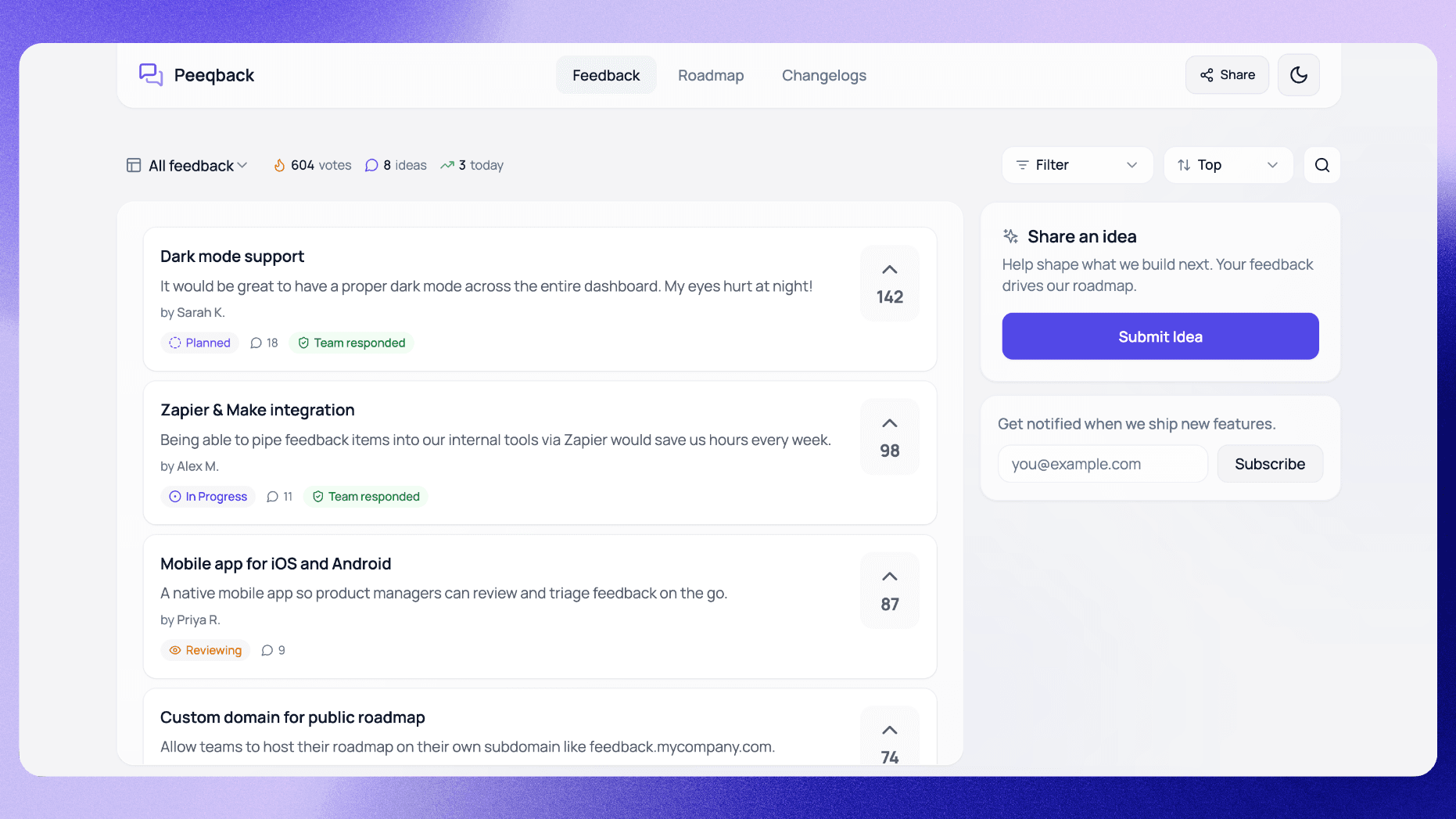
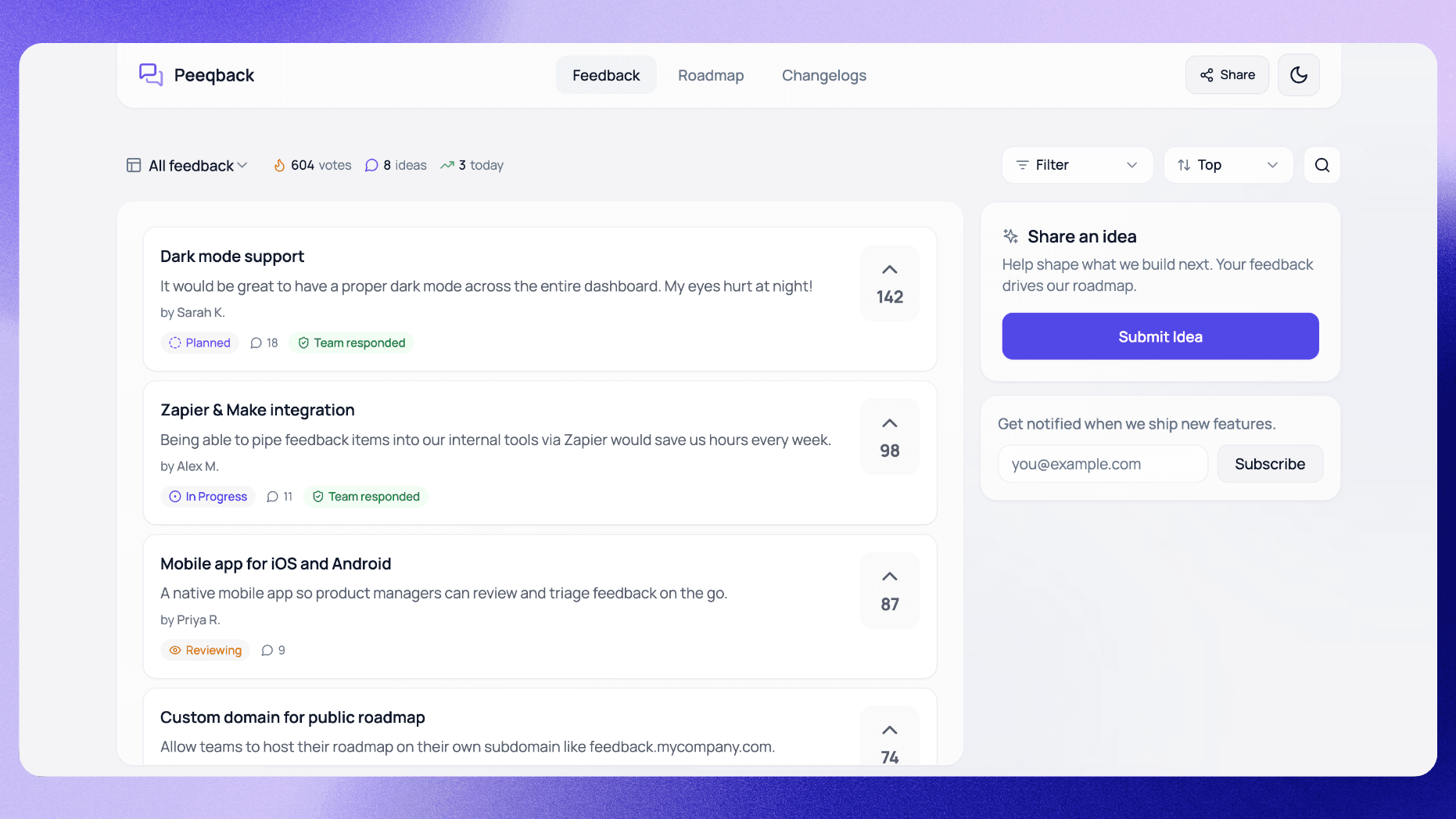
Feature voting boards are one of the best tools for capturing user demand. But if you build the top-voted feature every sprint, you'll eventually ship something your enterprise customers love and your growth segment ignores — or vice versa.
Vote counts measure enthusiasm, not business impact. You need a framework that combines user signal with strategic context. Here are five approaches, from simple to sophisticated.
Here's how that plays out. Imagine the top-voted request on your board is a Jira integration, with three times the votes of anything else. You spend six weeks building it — only to discover that most of the voters were free-tier users evaluating the product, not paying customers. Your actual paying users wanted CSV export, which had a fraction of the votes but would have retained two accounts on the verge of churning. That gap between votes and value is what every framework in this article is designed to close.
According to a 2024 ProductPlan survey, 49% of product managers say their biggest challenge is deciding what to build next. Votes give you a starting point, but without a structured framework layered on top, you are making strategic decisions with incomplete data.
How Does the Impact vs. Effort Matrix Work?
The simplest prioritization framework. For each feature request, estimate its impact (High / Low) and its engineering effort (High / Low). Plot them on a grid:
- High impact, low effort — build immediately (quick wins)
- High impact, high effort — plan for a future sprint (strategic bets)
- Low impact, low effort — do only if there's slack capacity
- Low impact, high effort — don't build
Use this when your backlog is small (fewer than 30 items) and you need a fast decision. Tag each item in Peeqback with an internal note on effort and impact to keep the matrix up to date.
The strength of the 2x2 matrix is its speed. You can classify 20 items in a single 30-minute meeting with your engineering lead and a product manager. The weakness is that "impact" is subjective — two people in the same room will disagree on whether a feature is high or low impact unless you define what impact means for your team. We recommend anchoring impact to a single metric before you start: revenue retention, activation rate, or support ticket deflection. Pick one and score every item against it.
Here is a concrete example. Suppose your board has three requests: "Dark mode" (200 votes), "SSO login" (40 votes), and "Keyboard shortcuts" (75 votes). If your impact metric is revenue retention, SSO login jumps to the top because the 40 voters are enterprise accounts representing $18,000 in monthly recurring revenue. Dark mode is popular but mostly requested by free-tier users. Keyboard shortcuts are moderate on both axes. Without the matrix, you would build dark mode first — with it, you build SSO.
How Does RICE Scoring Help You Prioritize?
RICE was popularized by Intercom. It gives every feature a numerical score based on four factors:
- Reach — how many users will this affect per quarter?
- Impact — how much will it move the needle per user? (0.25 / 0.5 / 1 / 2 / 3)
- Confidence — how sure are you of these estimates? (percentage)
- Effort — how many person-weeks will it take?
RICE score = (Reach x Impact x Confidence) / Effort. Higher score = higher priority. Use this when you have enough data to estimate reach — vote counts from Peeqback are a great proxy for Reach.
The Confidence factor is what makes RICE more nuanced than simpler frameworks. It penalizes guesswork. If you think a feature will be high-impact but your confidence is only 50% because you have no user data to back it up, the score gets cut in half. This naturally biases the framework toward features where you have strong evidence — which is exactly where you want to start.
A practical tip for applying RICE to your Peeqback board: use vote count as your Reach number, map Impact to the customer tier of the voters (enterprise voters = Impact 3, free-tier voters = Impact 0.5), set Confidence based on whether you have qualitative interviews backing up the request, and get an engineering estimate for Effort. You can run this in a spreadsheet in under an hour for a backlog of 50 items.
One common pitfall: teams sometimes inflate Confidence scores because they "feel" certain about a feature. Anchor Confidence to evidence. If you have 3+ user interviews confirming the need, Confidence is 100%. If you have only vote data, it is 80%. If you are guessing based on a competitor's feature list, it is 50% at most.
How Does Customer Tier Weighting Change Priorities?
Not all voters are equal. A feature requested by three enterprise customers paying $500/month each is worth more than the same feature requested by 50 free-tier users. Weight votes by customer segment.
In practice: multiply the vote count by a revenue weight for each tier (e.g., Enterprise x 5, Growth x 2, Free x 1). This surfaces requests that are strategically important even when they don't have raw vote volume.
Peeqback lets you export your feedback board to CSV with vote counts per request. The export doesn't include voter identities, so you apply tier weights manually using what your CRM or billing data tells you about who asked.
Here is a hypothetical example of how this plays out. Picture a B2B SaaS team with 300 feature requests on its board. The top-voted item is "mobile app" with 180 votes. When they apply tier weighting, mobile app drops to position 12 because almost all voters are on the free plan. The new number-one is "SAML SSO," which has only 22 votes — but 18 of those voters are enterprise customers collectively paying $14,000/month. Building SSO first protects the enterprise accounts most at risk of churning to a competitor.
The risk with tier weighting is that you exclusively build for your highest-paying segment and ignore the needs that drive new customer acquisition. To avoid this, set a rule: at least 30% of your roadmap capacity should go to items that score well on raw (unweighted) vote count, because those requests represent the broad base of users who will become your next paying customers.
How Does Jobs-to-be-Done Clustering Reveal Hidden Priorities?
Instead of prioritizing individual features, group requests by the underlying job users are trying to do. A request for "bulk CSV import," "API access," and "Zapier integration" are all the same job: "move data in and out of the product without manual work."
When you solve a job, you solve multiple feature requests at once — and the combined vote count for the job cluster is often much higher than any single request. Use Peeqback's merge feature to group duplicate and related requests before prioritizing.
The process for JTBD clustering is straightforward. First, export your feedback board and read through every request. For each one, write down the job in a single sentence that starts with a verb: "Move data between tools," "Understand how my team is performing," "Control who can access what." Then group requests by job. You will typically find that 80% of your requests cluster into 8-12 jobs.
The power of this approach is that it reveals which jobs are most in-demand regardless of how users phrase their requests. A job with 6 related requests totaling 340 votes is a stronger signal than any single 200-vote request. It also gives your engineering team more flexibility — instead of building the exact feature requested, they can solve the underlying job in the most efficient way possible.
This framework was originally developed by Clayton Christensen at Harvard Business School and has been adapted for product management by teams at Strategyn and others. It is especially valuable for products that have been on the market for 2+ years and have accumulated a large backlog of varied requests.
How Does Opportunity Scoring Identify Underserved Needs?
Ask users two questions per feature: "How important is this to you?" (1-10) and "How satisfied are you with existing solutions?" (1-10). Opportunity Score = Importance + (Importance - Satisfaction).
A feature that scores high on importance and low on satisfaction is an underserved need — the highest-value target for your roadmap. This framework works best for annual planning or positioning decisions, not sprint-level triage.
The math behind Opportunity Scoring is designed to highlight gaps. If a user rates "collaboration features" as 9/10 importance but only 3/10 satisfaction, the Opportunity Score is 9 + (9 - 3) = 15. Compare that to "reporting dashboards" rated 8/10 importance and 7/10 satisfaction: 8 + (8 - 7) = 9. Even though reporting dashboards are almost as important, users are already mostly satisfied — so the marginal value of improving them is lower.
The challenge with Opportunity Scoring is that it requires survey data, which means you cannot run it passively from a voting board alone. The best approach is to run an Opportunity Scoring survey once or twice per year targeting your most active users, then use the results to set strategic direction for the next two quarters. Day-to-day prioritization within those quarters can use a lighter framework like RICE or Impact vs. Effort.
What Data Do You Need Before You Can Prioritize?
Every prioritization framework is only as good as the data feeding it. Before you sit down to score and rank your backlog, make sure you have these inputs in place:
- Clean, merged feedback data. If your board has 15 variations of the same request, your vote counts are fragmented and useless. Spend 30 minutes merging duplicates before any prioritization session.
- Customer segmentation data. You need to know which tier each voter belongs to. Export your Peeqback board to CSV for vote counts, then add segment data from your billing or CRM tool (the export doesn't include voter identities, so this step is manual). Without this, every vote looks equal.
- Engineering effort estimates. Even rough t-shirt sizes (S / M / L / XL) are better than nothing. Without effort data, you cannot distinguish between a quick win and a quarter-long project.
- Qualitative context. Read the comments on your top 20 requests. Vote counts tell you what is popular; comments tell you why. A request with 50 votes and 30 detailed comments explaining how the missing feature blocks a core workflow is very different from 50 votes with no comments.
If you are missing any of these inputs, fix that gap first. Running RICE scoring without effort estimates or tier weighting without segmentation data produces rankings that feel precise but are actually misleading. According to research from Mind the Product, the number-one reason prioritization exercises fail is not the framework itself — it is low-quality input data.
A practical first step: set up a monthly data hygiene routine. Every first Monday, spend 30 minutes merging duplicates, archiving stale requests, and updating effort estimates. This single habit makes every prioritization framework dramatically more effective.
How Do You Combine Multiple Frameworks?
In practice, no single framework handles every decision well. Many effective product teams use a layered approach: one framework for strategic quarterly planning and a different one for sprint-level decisions.
Here is a combination that works well for teams with 50-500 active feedback items:
- Quarterly: Run Opportunity Scoring or JTBD clustering to set the themes for the quarter. This answers "what areas should we invest in?"
- Sprint-level: Within each theme, use RICE scoring to rank individual features. This answers "what should we build this week?"
- Tiebreaker: When two items have similar RICE scores, use Customer Tier Weighting to break the tie in favor of the item that protects more revenue.
This layered approach prevents the most common mistake: using a single framework at the wrong altitude. RICE is great for comparing individual features but terrible for deciding whether to invest in "collaboration" vs. "reporting" as a category. JTBD clustering is great for category-level decisions but too abstract for choosing between specific implementation options.
Another combination that works for early-stage teams with smaller backlogs: use Impact vs. Effort as your primary framework and apply Customer Tier Weighting as a multiplier on the impact axis. This keeps the process lightweight — you can run it in a 20-minute standup — while still accounting for revenue impact. As your backlog grows beyond 50 items and your team grows beyond 5 people, graduate to the RICE + JTBD combination described above.
The key principle: frameworks are tools, not religions. If your team spends more time debating framework methodology than actually making decisions, you have over-engineered the process. The goal is a confident, defensible answer to "what should we build next?" — not a perfect score for every item in your backlog.
Which Framework Should You Start With?
There's no single right answer. Most strong product teams combine two: a lightweight daily framework (Impact vs. Effort or RICE) and a strategic quarterly framework (Opportunity Scoring or Jobs-to-be-Done clustering). Start with what fits your team's data literacy and refine from there.
The one thing all frameworks have in common: they all need good input data. A well-managed feedback board with clean, merged, and voted-on requests is the foundation for any prioritization method to work.
If you are just getting started, here is the simplest possible path: set up a Peeqback board, collect votes for 30 days, then run a single Impact vs. Effort session with your team. That one session will produce a more defensible roadmap than months of ad-hoc decision-making based on whoever emailed the loudest. From there, layer in RICE scoring once you have enough data, and consider Opportunity Scoring or JTBD clustering once your backlog exceeds 100 items.

Written by
Jay KhatriJay is the founder of Peeqback. He builds tools that help product teams collect feedback, prioritize features, and ship changelogs users actually read.