How to Collect Feedback with a Small Team
43% of startups fail from poor product-market fit. Here's how teams of 1-5 can build a feedback system in 30 minutes that drives retention. No fancy tools required.

Founder of Peeqback
Why Is Feedback Collection the First Thing Small Teams Drop?
According to CB Insights' analysis of 431 failed startups, 43% cited poor product-market fit as a primary reason for shutting down (CB Insights, 2025). Product-market fit is, at its core, a feedback problem. You can't build what users want if you don't know what they want.
But here's the catch: small teams are drowning. When you're the founder, the engineer, the support rep, and the PM all at once, feedback collection feels like a luxury. You tell yourself you'll get to it once things calm down. Things never calm down.
The result? You build features based on guesswork, loud anecdotes, or whatever competitors shipped last week. Meanwhile, only 1 in 26 unhappy customers actually complain — the rest leave silently (TARP Research). For every frustrated email you get, 25 users already gave up on you.
This isn't a growth problem. It's a survival problem. Small teams that skip structured feedback don't fail slowly — they build the wrong thing with conviction and realize it six months too late.
The good news? You don't need a dedicated research team or a fancy VoC platform. A 30-minute setup and 15 minutes a week is enough to build a feedback system that works.
Key Takeaways
- 43% of startups fail from poor product-market fit — a problem that structured feedback collection directly addresses (CB Insights, 2025)
- In-app widgets get 32% response rates vs. 3% for email — pick the highest-signal channel first (Retently, 2025)
- A working feedback system takes 30 minutes to set up and 15 minutes per week to maintain
- Voting replaces manual triage — let users surface demand so you don't read every submission yourself
Which Feedback Channel Gives You the Most Signal Per Minute?
In-app surveys achieve a 32% response rate compared to just 3% for email surveys, according to Retently's analysis of 25 million surveys across 600 brands (Retently, 2025). For a team with no bandwidth to chase responses, that 10x difference isn't a nice-to-have — it's the whole game.
Think about it this way. If you email 100 users a survey, three respond. If you embed a widget that catches them mid-session, thirty-two do. Same users, radically different signal — because context matters more than polish.
SMS surveys actually lead at 45%, but they require a phone number database and carry per-message costs (SurveySparrow, 2025). For most SaaS teams, that's impractical. In-app widgets hit the sweet spot: high response rate, zero ongoing cost, zero effort per response once set up.
Which channel should you start with? If you're building a SaaS product, an embedded widget wins. If you're a service business without a web app, SMS or a simple website tab are your best options. Don't try to run three channels at once — pick one, get signal flowing, and expand later. For a deeper breakdown, see our widget vs. survey comparison.
How Do You Set Up a Working Feedback System in 30 Minutes?
Companies that regularly collect customer feedback see a 14% improvement in retention (Gartner, via Firework, 2025). That's not a marginal gain — with a 5% retention increase already boosting profits by 25-95% (Bain & Company / HBR), even a modest improvement in how you listen pays for itself immediately.
Here's the 30-minute playbook:
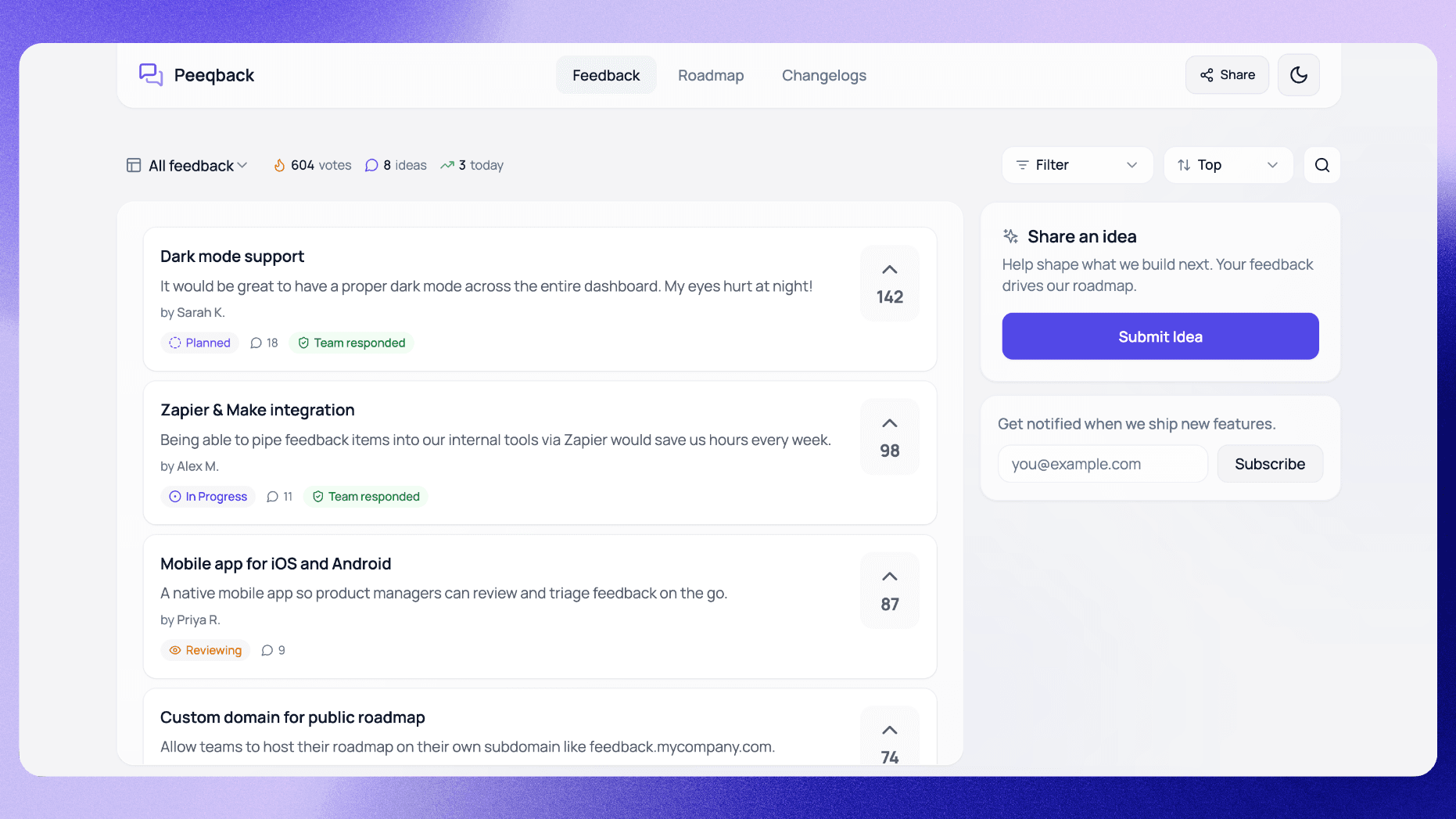
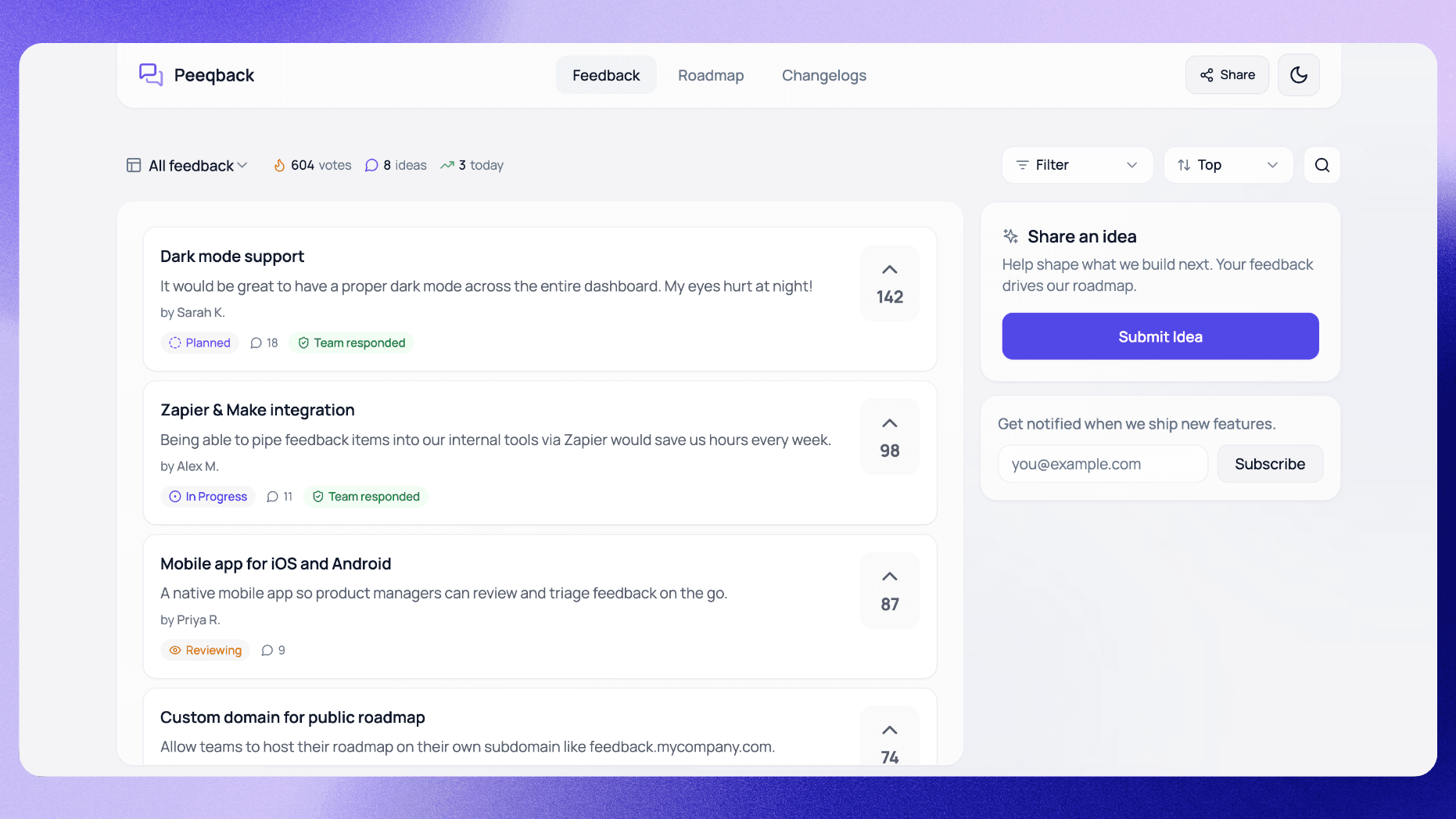
Minutes 1-10: Embed the widget. With Peeqback, you paste one JavaScript snippet into your app and add your domain to the allowed list in settings. A floating feedback button appears. Users can submit ideas, report bugs, or upvote existing requests — all without leaving the page. No survey design. No email templates.
Minutes 10-20: Create your boards. Set up two or three boards: Feature Requests, Bug Reports, and General Feedback. That's it. Don't create a dozen categories before you have any data. Three boards handle 90% of use cases, and you can split later once a board grows past 50 items.
Minutes 20-30: Configure notifications. Keep the weekly digest email on so a summary of new feedback lands in your inbox and you don't need to check a dashboard. Set up a Slack or Discord webhook if your team lives there. Feedback should come to you — you shouldn't need to go hunting for it.
That's a complete system. It won't win awards for sophistication, but sophistication isn't what small teams need. They need signal flowing, fast. For step-by-step details on each piece, see our complete guide to collecting user feedback.
A common trap: Teams that overcomplicate their initial setup — creating 8 boards, building custom intake forms, designing elaborate tagging systems — risk abandoning the whole thing within a month. The setups that last start simple and evolve.
How Should a 3-Person Team Actually Process Feedback?
Acquiring a new customer costs 5x more than retaining an existing one (Bain & Company, via Firework, 2025). Every piece of feedback you process is a retention opportunity. But "processing" doesn't mean reading every word of every submission — it means building a system where important things rise to the top on their own.
The secret is voting. When users can upvote existing requests instead of submitting duplicates, you get a ranked list of what matters without lifting a finger. A request with 47 votes is a fundamentally different signal than one with 2 votes — and the difference is visible at a glance.
Here's the weekly cadence that works for teams of 1-5:
Monday: 15-minute review. Open your feedback dashboard. Sort by votes. Look at the top 5 items. Merge duplicates. Update statuses on anything you've started. Done.
During the week: don't check. Seriously. Let submissions accumulate. Let votes pile up. Checking constantly creates context-switching overhead that destroys small-team productivity. The widget captures everything whether you're watching or not.
Monthly: deeper triage. Once a month, spend 30 minutes on items sitting in "Under Review" for more than 30 days. Move them to Planned, decline them, or merge them. A backlog that never gets triaged is worse than no feedback system at all — it just makes you look like you don't care.
Voting does the heavy lifting. You don't evaluate each submission individually — users tell you what matters through their votes. For more on making voting work, see our feature voting board best practices.
When Should You Say No to Feature Requests?
CX leaders grow revenue 80% faster than competitors, according to Forrester research (Forrester, via SuperOffice, 2024). But great customer experience doesn't mean building everything customers ask for. It means building the right things and being honest about the rest.
Small teams can't build everything. That's not a weakness — it's a constraint that forces better decisions. So how do you handle the requests you won't build?
Decline early and transparently. If a request isn't on your roadmap for the foreseeable future, say so. A "Not Planned" status with a one-sentence explanation beats leaving it in limbo for months. Users who understand why you said no still respect the product. Users who feel ignored leave.
Use votes to justify your choices. When you have limited engineering cycles, prioritize requests with the most votes from your target segment. This isn't just good product sense — it's defensible. If someone asks why you didn't build their feature, you can point to the data. For frameworks on turning votes into priorities, check our feature request prioritization guide.
Beware the enterprise trap. One large customer demanding a niche feature can feel urgent, but that doesn't make it important. If their request has zero votes from anyone else, it's probably a customization only they need. Saying no to that is saying yes to the other 99% of your users.
How Do You Close the Loop Without a Dedicated CS Team?
72% of customers switch brands following a single negative experience (Qualtrics, 2025). The flip side? Users who see their feedback acted on become your strongest advocates. Closing the loop — telling users what you built because of their input — is the highest-ROI activity in your entire feedback program.
The simplest version: when you mark a feature as shipped in your feedback tool, notify every user who voted for it or asked for it. No newsletter, no marketing campaign — just a direct, personalized message.
This works because it's specific. A generic "check out what's new" email gets ignored. A notification saying "Dark mode — the feature you requested — is now live" hits differently. It tells the user: we heard you, specifically, and we acted.
Underrated move: That notification itself generates more feedback. Users who learn their input led to a shipped feature have every reason to submit again. It's a flywheel — one closed loop creates the next round of signal.
Two surfaces make this effortless. Your public roadmap shows users what's coming, which reduces repetitive "when will you build X?" requests. Your product changelog documents what shipped, closing the loop at scale without one-to-one messages.
One-click ship notifications, a public roadmap, and a changelog — that's a complete feedback loop that takes minutes a week to run. No CS team required.
How to Talk to Users — Eric Migicovsky, Y Combinator Startup School
Frequently Asked Questions
How much time does feedback collection actually take per week?
With an embedded widget and voting-based prioritization, most small teams spend 15-20 minutes per week. The widget collects feedback passively, voting surfaces priorities automatically, and a once-a-week triage session keeps everything moving. Teams that batch this work avoid the productivity drain of constant inbox monitoring.
Should I collect feedback before I have paying customers?
Yes — even pre-revenue. According to CB Insights' analysis of 431 startups, 43% that failed cited poor product-market fit as a primary cause (CB Insights, 2025). Early feedback from beta users, waitlist signups, or even friends-and-family testers helps you validate whether you're building something people need before you invest months of engineering time.
What if nobody submits feedback through the widget?
Low submission volume usually means low visibility. Make sure the widget button is persistent and clearly labeled — "Share Feedback" or "Request a Feature" works better than a generic chat icon. If users still aren't submitting, prompt them once after they complete a key action in your product. One well-timed nudge can increase submissions significantly without creating survey fatigue.
How do I handle negative or hostile feedback?
Separate the signal from the tone. A frustrated user saying "this feature is broken and I'm canceling" is giving you two pieces of data: a bug report and a churn risk. Address the bug, acknowledge the frustration, and move on. Don't delete negative feedback — 86% of buyers will pay more for better customer experience (PwC, via SuperOffice, 2024), and the feedback that stings most is usually the feedback that matters most.
When should I upgrade from a simple widget to a full feedback platform?
When your weekly triage takes more than 30 minutes, or when you're managing more than 100 active feedback items across multiple products. At that point, features like automated duplicate merging, customer segmentation on votes, and team permissions start saving real time. Until then, a simple widget with 2-3 boards handles everything a small team needs.
Build the Habit, Not the Infrastructure
Feedback collection isn't a project you finish. It's a habit you build. The teams that succeed don't have the most sophisticated tools — they have the most consistent rhythms.
Start with a widget. Set up two boards. Review once a week. Close the loop when you ship. That's the entire system — 30 minutes to set up, 15 minutes a week to maintain. For a team of 1-5, that's more than enough to stay connected to what your users actually need.
The alternative — building in the dark and hoping you guessed right — is how 43% of startups end up on the CB Insights failure list. Your users are already trying to tell you what they want. The only question is whether you've made it easy enough for them to do so.

Written by
Jay KhatriJay is the founder of Peeqback. He builds tools that help product teams collect feedback, prioritize features, and ship changelogs users actually read.