Embedded Feedback Widget vs. Survey: Which Works Better for SaaS?
Surveys have higher signal quality per response. Widgets have 10× the volume. Here's how to choose — and when to use both together.

Founder of Peeqback
What Is the Core Trade-off Between Widgets and Surveys?
There's a fundamental tension in user feedback collection: the easier you make it to submit, the lower the average signal quality per submission. The harder you make it, the fewer submissions you get.
Surveys sit at one end of this spectrum. A well-designed 5-question survey sent to the right segment at the right time can produce extraordinary insight. But your average response rate will be 5–15% according to SurveyMonkey's benchmark data, the data arrives in a batch 2 weeks after you send it, and the effort to design, send, and analyze it means you'll do it maybe four times a year.
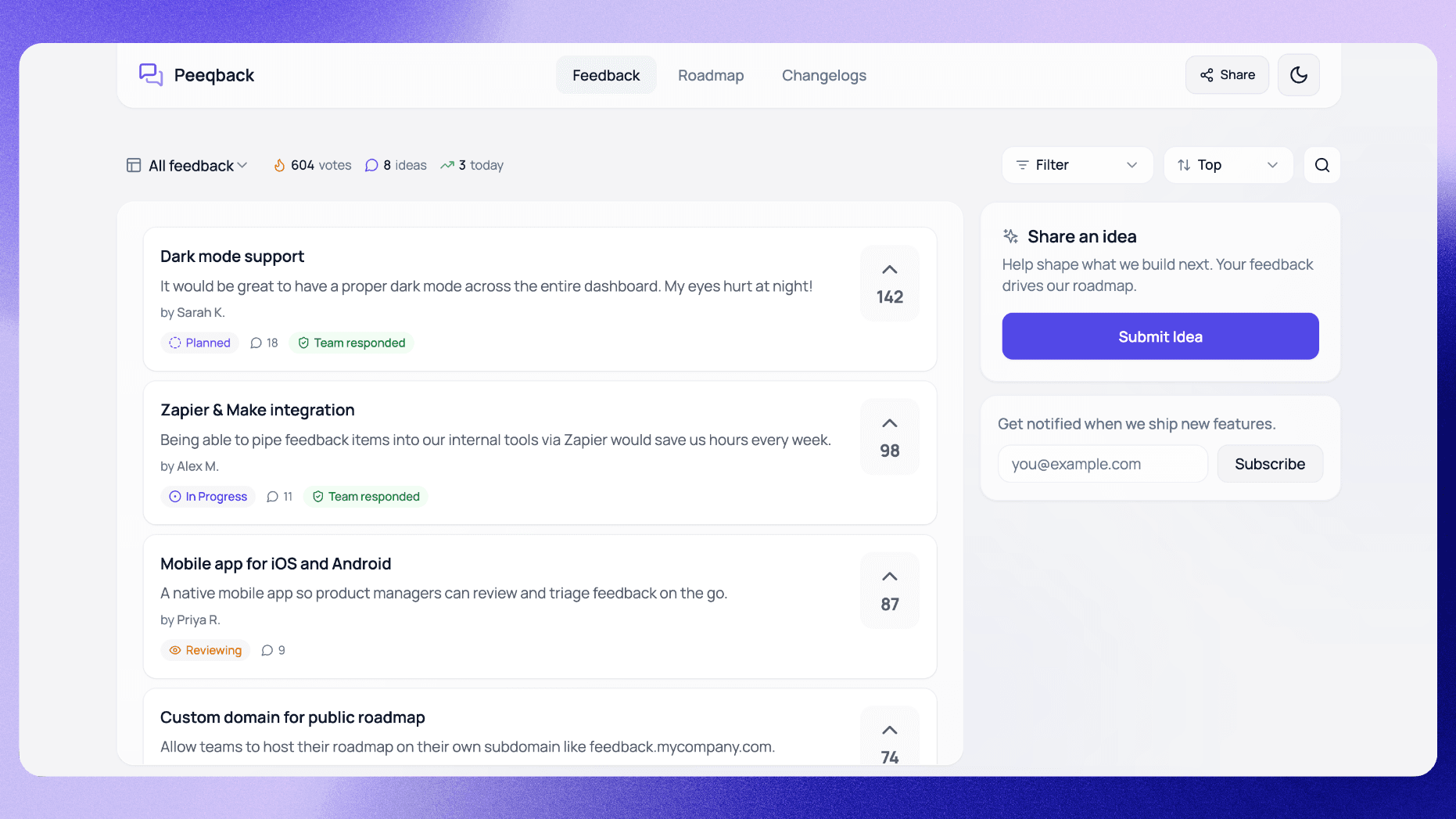
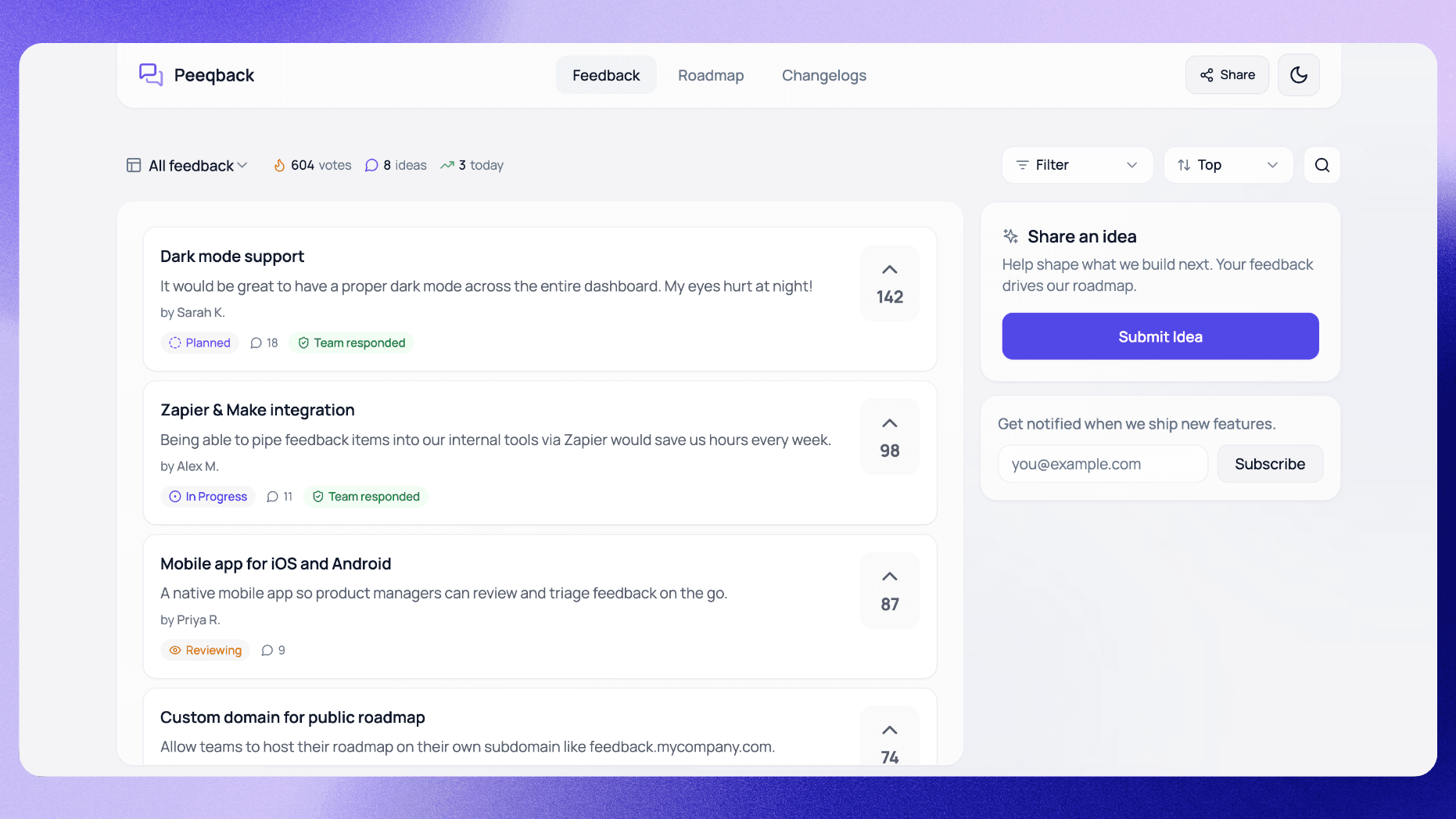
An embedded feedback widget sits at the other end. Users submit in 10 seconds without leaving the page. Volume is 10–20x higher. But individual submissions are shorter, less thoughtful, and need more curation.
Neither tool is inherently better. The right choice depends on what question you are trying to answer, how quickly you need the data, and how much effort you can invest in collection and analysis. In practice, many teams default to surveys because they are familiar — but they would often get more value from a widget, because their real problem is not depth of insight but lack of continuous signal.
When Should You Use a Feedback Widget?
A feedback widget is the right choice for continuous, always-on collection. Use it when you need:
- A steady stream of feature requests and bug reports from your user base
- A public voting board that users can revisit and upvote over time
- Feedback from users who would never fill out a survey but will click a "Share feedback" button mid-session
- A way to capture friction at the exact moment it occurs, not days later
Widgets also create a feedback archive. Three months of widget submissions tells you exactly what's frustrating users right now in a way that four quarterly surveys never can.
The timing advantage of widgets is often underestimated. When a user encounters a bug at 2 PM on a Tuesday and can report it in 10 seconds via a widget, you get a precise description of what went wrong, which page they were on, and the steps that led to the issue. Send that same user a survey two weeks later and they will either skip the bug question entirely or write something vague like "I ran into some issues." The context has evaporated.
Widgets are particularly effective for products with high daily active usage — tools like project management apps, communication platforms, and dashboards where users spend 30+ minutes per day. The more time users spend in your product, the more opportunities they have to encounter friction and report it through the widget. For products with infrequent usage (monthly billing tools, annual tax software), surveys may be more appropriate because users are not in the product often enough for a widget to capture meaningful volume.
When Should You Use a Survey Instead?
Surveys are the right tool when you need depth, not breadth. Use them when:
- You want to measure satisfaction (NPS, CSAT) across your full user base on a schedule
- You're validating a specific product hypothesis before committing engineering resources
- You need to understand the "why" behind a trend you've noticed in your widget data
- You're running churn interviews or win/loss analysis
The key insight: surveys answer questions you already know to ask. Widgets surface problems you didn't know existed.
Surveys also excel when you need structured, comparable data over time. An NPS score measured quarterly gives you a trend line that is impossible to extract from unstructured widget submissions. If your CEO asks "Is customer satisfaction improving?" a widget cannot answer that question directly — but a consistent quarterly NPS survey can.
Another scenario where surveys win: pre-build validation. If your widget data shows that "reporting" is the most requested category but the specific requests vary widely, a targeted survey asking users to rank 5 potential reporting features helps you decide which one to build first. The widget told you the category matters; the survey tells you which implementation within that category matters most.
Keep surveys short. According to research from Qualtrics, surveys with more than 12 questions see a significant drop in completion rate. For most product feedback scenarios, 3–5 questions is the sweet spot. Ask one open-ended question and make the rest multiple choice or rating scales.
How Do You Use Both Tools Together Effectively?
The most effective feedback programs combine both tools in a deliberate rhythm:
- Always on: embedded widget collects continuous feature requests and bug reports
- Monthly: review widget data for emerging patterns
- Quarterly: send a targeted survey to dig into 1–2 specific hypotheses surfaced by widget data
- Ad hoc: one-on-one user interviews for the highest-voted feedback items before building
With this rhythm, you always have current data from the widget, and you only spend time on surveys when you have a specific question to answer. This prevents survey fatigue and keeps your response rates high when you do send them.
Here is an illustrative example of this rhythm in action. Consider a B2B SaaS team that uses an embedded widget to collect continuous feedback. In their January monthly review, they notice that 12 separate widget submissions mention "difficulty sharing reports with external stakeholders." Rather than guessing what feature to build, they send a 4-question survey to their top 200 users asking specifically about report sharing: what they share, with whom, how often, and what the current workaround is. Because the topic is clearly relevant to those users, responses come back quickly, and they reveal that users need a simple share-via-link feature, not the complex permissions system the engineering team had initially scoped. The widget identifies the problem; the survey defines the solution.
The key to making both tools work together is treating the widget as your "discovery" channel and the survey as your "validation" channel. Widget data tells you what areas to investigate. Survey data tells you what to build within those areas. Trying to use either tool for both purposes leads to poor results — widget data is too unstructured for validation, and surveys are too infrequent for discovery.
How Big Is the Setup Time Difference?
One final practical consideration: an embedded feedback widget takes 5 minutes to set up with Peeqback. You paste one script tag, add your site's domain to the allowed list, and it's live. A properly designed survey — with the right questions, the right segment, the right timing, and an analysis workflow — takes days.
For teams that don't yet have any structured feedback collection in place, the widget is always the right place to start. Get signal flowing first, then layer in surveys once you know what questions to ask.
The ongoing time investment is also different. A widget requires 15–30 minutes per week of maintenance: merging duplicates, reviewing new submissions, updating statuses. A survey requires 4–8 hours per instance: designing questions, selecting the audience, configuring the tool, sending, waiting for responses, analyzing results, and sharing findings with the team. Over the course of a year, a weekly-maintained widget costs roughly 25 hours of product manager time. Four quarterly surveys cost roughly 20–30 hours. The difference is that the widget produces continuous signal while the surveys produce four snapshots.
If your team has limited bandwidth — and most early-stage teams do — start with the widget and defer surveys until you have a specific, high-stakes question that widget data alone cannot answer. You can always add surveys later, but you cannot retroactively capture the in-context feedback that a widget would have collected during your first six months.
How Do You Measure the ROI of Each Feedback Channel?
Feedback collection is an investment of both tool cost and team time. To justify that investment and decide where to allocate more resources, you need to measure what each channel is actually delivering.
For a feedback widget, track these metrics:
- Submissions per month: The raw volume of feedback coming in. A healthy widget on a product with 1,000 MAU should generate 30–100 submissions per month.
- Actionable submission rate: What percentage of submissions lead to a backlog item, bug fix, or product decision? Aim for 40–60%. If most submissions are spam or too vague to act on, your widget placement or prompt needs work.
- Time to first action: How quickly does your team respond to or triage a widget submission? Under 48 hours is good. Over a week means the widget is generating signal that nobody is listening to.
- Features shipped from widget data: Over the course of a quarter, how many shipped features originated from or were validated by widget submissions? This is the ultimate ROI metric — feedback that turned into product.
For surveys, the metrics are different:
- Response rate: The percentage of recipients who complete the survey. Below 10% means your survey is too long, poorly timed, or sent to the wrong audience.
- Insight-to-action rate: How many survey insights led to a concrete product decision? A survey that produces interesting data but changes nothing is wasted effort.
- Decision confidence: Did the survey data make you more confident in a decision you were already leaning toward, or did it change your mind entirely? Surveys that only confirm existing beliefs may not be worth the effort — you might already have enough signal from your widget.
Compare the cost per actionable insight across both channels. If your widget generates 50 actionable insights per month at 30 minutes of weekly maintenance, your cost per insight is very low. If a quarterly survey takes 8 hours and generates 5 actionable insights, the cost per insight is significantly higher — but those insights may be deeper and more strategic. Neither channel is "better"; they serve different purposes at different costs.
What Are the Most Common Mistakes When Choosing Between Widget and Survey?
Teams of every size tend to repeat the same mistakes when setting up feedback systems. Here are the most common ones and how to avoid them:
- Mistake 1: Using surveys for continuous feedback. Some teams send monthly NPS surveys because they want "regular data." But monthly surveys fatigue your users, response rates plummet after the third one, and you end up with noisy data from a shrinking pool of respondents. Use a widget for continuous collection and reserve surveys for quarterly or ad-hoc deep dives.
- Mistake 2: Treating widget submissions as statistically representative. Widget feedback is self-selected. The users who submit are more engaged, more opinionated, and more technical than your average user. Do not assume that because 30 widget submissions mention a feature, 30% of your user base wants it. Use surveys when you need representative data across your full user population.
- Mistake 3: Setting up a widget and never checking it. A widget that nobody monitors is worse than no widget at all. Users who submit feedback and receive no response within a reasonable timeframe (2 weeks at most) learn that the channel is a dead end. If you are not prepared to triage submissions at least weekly, do not deploy the widget yet.
- Mistake 4: Asking open-ended questions in surveys. Surveys are strongest when questions are structured (multiple choice, rating scales, ranking). Open-ended questions produce unstructured text that is hard to analyze at scale — and that is exactly what your widget already collects. If you need open-ended feedback, the widget is the better channel. Use surveys for the structured data that widgets cannot provide.
- Mistake 5: Not connecting the two channels. Your widget data should inform your survey design, and your survey results should be reflected in your widget board priorities. If these two channels operate in silos — managed by different people with different tools and no shared analysis — you lose the compounding benefit of using both.
The overarching principle: choose your feedback channel based on the question you need answered, not based on what is easiest to set up or what your competitors use. A widget answers "what problems are users experiencing right now?" A survey answers "how do users feel about a specific topic?" Use the right tool for the right question, and you will get dramatically better signal with less effort.

Written by
Jay KhatriJay is the founder of Peeqback. He builds tools that help product teams collect feedback, prioritize features, and ship changelogs users actually read.